Web design for restaurants that books tables and takes orders

A guest opens a restaurant website on a phone a couple of hours before dinner and looks for three things: the menu, an open table and how to get there. We build the site around those decisions: the menu pulls from your POS, the reservation shows the floor plan, and takeout and delivery orders go straight to the kitchen.

Reply within 15 minutes · project assessment — free · pricing on request

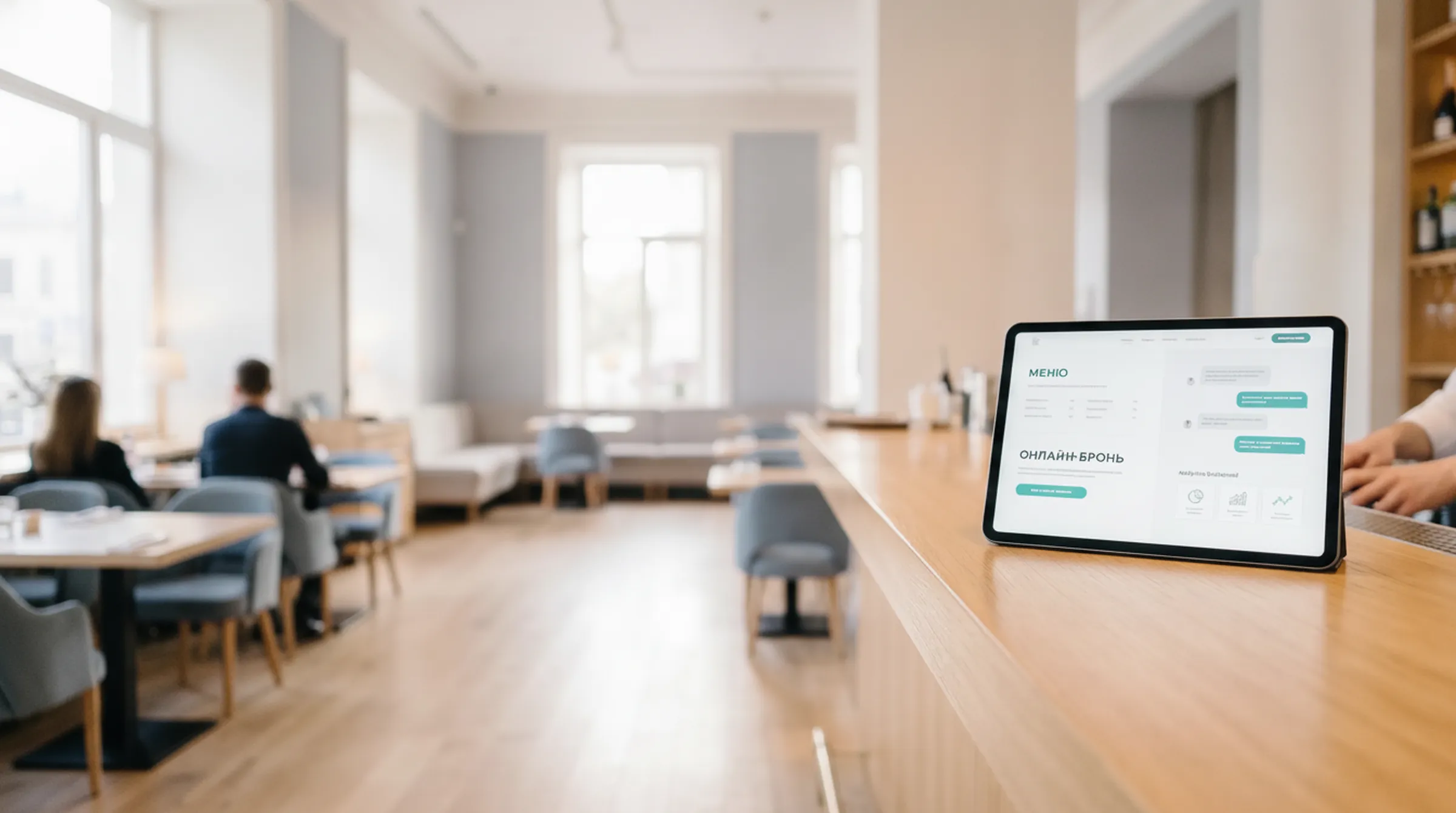
A restaurant dining room in the evening, with a tablet on the bar showing the venue’s website: the menu and online table booking

Web design for restaurants is the work of building a venue’s website where a guest on a phone sees the current menu, books a table for a set time, orders delivery or pickup and sends a private-event inquiry. We build these sites for restaurants, cafes and coffee shops and connect them to your POS, your reservation service and analytics.

Why a restaurant website doesn’t bring in guests

Restaurant, cafe and coffee shop owners bring us these situations most often. Each one has a clear cause.

“The menu on our site is last spring’s PDF”

A guest opens the file on a phone, pinches through tiny type and sees dishes that are long gone. They show up, order, and are told it isn’t available. Then comes the review on Google.

We publish the menu as web pages that update from your POS, such as Toast, Square or Lightspeed. Mark a dish as sold out at the register and it disappears from the site.

“You can only book by phone, and on Friday night nobody picks up”

At peak hours the host is busy with guests in the dining room. Calls go unanswered, and the person books the place next door through a marketplace.

We connect online booking with a floor plan: the guest picks a time and party size, and the host sees the reservation in their own system and confirms it.

“We gave delivery to the marketplaces and barely get any orders of our own”

Every marketplace order carries a commission, and the guest’s contact details stay with the platform. You can’t offer them anything again.

We build your own takeout and delivery ordering with a cart, online payment and delivery zones. The order lands in the POS, and the guest lands in your database.

“Private-event and group inquiries arrive by DM and get lost”

An event booking is the biggest check you take, but the conversation drags on for a week across messages and half the requests never reach a manager.

A dedicated private-events page with rooms, capacity, sample menus and a form that creates a deal in the CRM with the event date.

What’s included in a restaurant website

The scope depends on the format: a coffee shop with takeout, a restaurant with a private dining room and a multi-location group each need different modules.

Menu with photos and filters

Categories, portion details, ingredients, and tags such as spicy, vegetarian, vegan, gluten-free. Filters help guests with dietary needs find their dish fast.

Online table booking

Choice of date, time, party size and area: patio, main room, bar. A confirmation by text or email and a reminder a few hours before the visit.

Takeout and delivery ordering

A cart, dish modifiers, online payment, delivery zones and times on a map. For a coffee shop, a pre-order for a set pickup time so nobody queues.

Private events and groups

Rooms with photos and capacity, event menus, a calendar of live music, tastings and chef’s classes. An inquiry form with the date and group size.

Location pages

For a group, a separate page for each venue: address, hours, parking, its own menu and reservations for that room. The details match your Google Business Profile.

Gift cards

Selling e-gift cards on the site: the guest pays and receives the card by email right away. Handy before the holidays.

Loyalty program

Sign-up for the rewards program from the site, a points balance in the guest’s account and a link to the loyalty system at the register.

SEO foundation and markup

Restaurant and Menu structured data, pages for cuisines and occasions, fast loading on mobile networks, correct addresses and opening hours.

Integrations a venue’s website can’t do without

A restaurant website is a storefront for your POS. We connect what the venue already uses and don’t force you to change systems.

POS systems

Toast, Square, Lightspeed, Clover: menu, prices, 86 lists and order intake to the kitchen. A website order prints at the kitchen printer just like a dining-room order.

Reservation services

OpenTable, Resy, Tock, SevenRooms and other booking tools with a floor plan. The host sees reservations from the site, the phone and marketplaces in one window.

Online payment

Stripe, Square, PayPal, Apple Pay and Google Pay. Receipts and tips are handled automatically.

CRM and messaging

Private-event inquiries and feedback go to HubSpot, Pipedrive or Zoho CRM. Booking confirmations and order statuses go out by SMS, email or WhatsApp Business.

Maps and analytics

Google Business Profile and Google Maps with a booking button, Google Analytics 4 with goals for reservations, orders and calls, and call tracking to count guests by channel.

Free project estimate and quote

Leave your contact — we'll review the task and send a quote with a scope breakdown and timelines. No pushy sales call.

Thank you! Request received — we'll get back with the estimate and quote within one business day.

The guest’s path from search to table

We design the site around how people actually choose where to have dinner or order food.

Step 01

A search by occasion or cuisine

“Restaurant with a patio,” “Italian near me,” “coffee shop with breakfast.” The guest lands on a page for that occasion or cuisine, not on a generic home page.

Step 02

Menu and atmosphere

Photos of the room and the dishes, the price level in words, portion sizes. The decision takes a minute, and if the menu doesn’t open on a phone, the guest leaves.

Step 03

Choosing a time and a table

A booking in two taps, or a button to order for delivery. No phone call and no waiting for a reply to a DM.

Step 04

Confirmation and reminder

A message with the address and time, and a reminder on the day. There are fewer no-shows, and the host can plan seating.

Step 05

Bringing the guest back

Rewards, an invitation to an event, an offer on their birthday. The guest’s contact stays in your database, not on a marketplace.

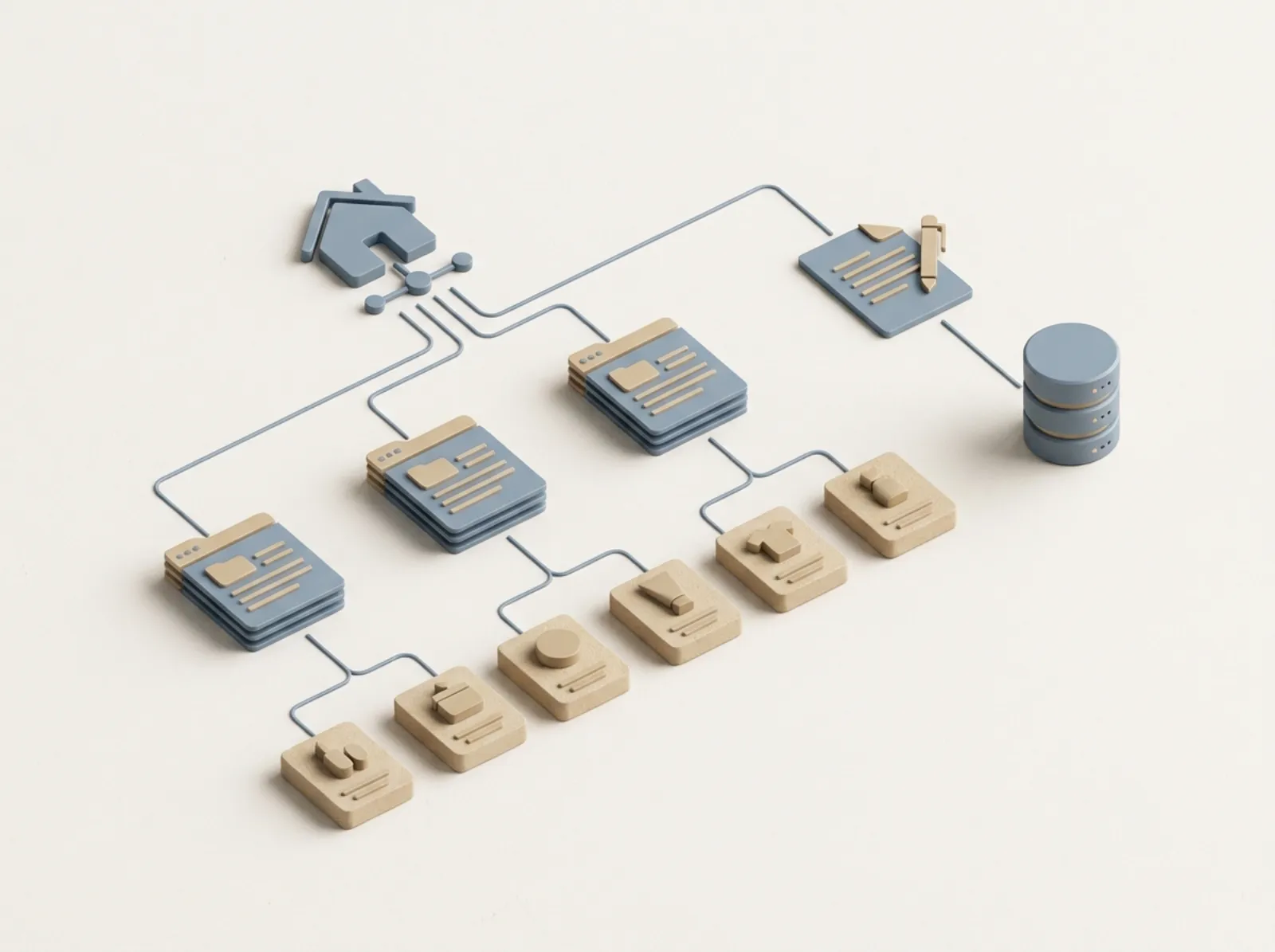
Isometric diagram of a website structure: a home page, sections and cards connected to a database
The structure of a venue’s website: menu, booking, delivery and events linked to the POS and the CRM.

Restaurant, cafe or coffee shop: how the sites differ

The venue’s format decides what matters most on the site. These are typical emphases that we refine at the brief.

ModuleRestaurantCafeCoffee shop
Main actionTable booking and private eventsBooking and delivery about equallyPickup pre-order and breakfast
MenuA seasonal chef’s menu, a wine listA broad menu, lunch specialsDrinks with modifiers, pastries
Private eventsA separate section with rooms and setsKids’ parties, small gatheringsUsually not needed, sometimes coffee catering
DeliveryOften through its own couriersOwn site plus marketplacesPickup at a set time
LoyaltyPersonal offers and eventsA rewards programA free drink after a set number of purchases, a coffee subscription
Pages for searchCuisine, occasions, the chefLunch, neighborhood, cuisineNeighborhood, breakfast, coffee to go

Who it’s for, and who it isn’t

A good fit if

  • A restaurant or cafe that wants bookings and orders directly, not only through marketplaces.
  • You run Toast, Square, Lightspeed or a similar POS, and the website menu should match it.
  • You have a private dining room or catering, and inquiries have to reach a manager.
  • A group of venues where every location has its own hours, menu and reservations.

Not a fit if

  • A kiosk with no seating and five menu items: a Google profile and a link to delivery are enough.
  • You can’t keep the menu and photos current: an out-of-date restaurant site hurts more than having none.

What matters when building a restaurant website

Almost all traffic to a venue’s website is mobile, often on a weak connection in a taxi or on the street. That is why we build the menu as pages, not a PDF or a heavy slider: photos are compressed, the first screen shows the Reserve and Order buttons, and the phone number is tappable. If the site takes more than a few seconds to open, the guest goes back to search results. A text menu also works with screen readers, which a scanned PDF doesn’t.

The second point is freshness. In a restaurant the menu, prices and 86 list change all the time, and editing the site by hand quickly becomes a chore nobody does. A link to the POS removes the problem: the manager changes an item in the POS, and the site picks up the change itself.

The third is rules. Allergen information is a legal expectation in many markets, including the UK and the EU, and guests with allergies look for it on the site first. Selling alcohol online and delivering it is regulated and differs by state and country, so we show the wine list as part of the menu and check whether ordering it online is allowed for you, adding age verification where it is. Guest details collected in booking and delivery forms follow GDPR in the UK and EU and CCPA in California.

Finally, the site has to be ready for promotion: separate pages for cuisines, occasions and neighborhoods, correct markup, and an address and opening hours that match your Google profile. Then after launch you can add local SEO and advertising without rebuilding the structure.

Checklist: what to prepare before we start

The more complete the materials, the faster the launch. If something is missing, we’ll help you collect it.

  • The name of your POS and access to its API or cloud dashboard.
  • The current menu with portions, ingredients, allergens and dish photos, if you have them.
  • The floor plan and reservation rules: minimum party size, deposit, how long a table is held.
  • Delivery zones and terms, payment methods and kitchen hours.
  • Details of your private room: capacity, menus, terms.
  • A link to your Google Business Profile and photos of the interior.

FAQ: Web design for restaurants

We quote on request after a brief. It depends on the number of modules (menu, booking, delivery, private events, loyalty) and on the POS integration. A coffee shop with pickup pre-orders and a restaurant group with delivery are different projects.
Yes. Then the main actions become table booking, the menu and directions. You can add a separate button linking to marketplace delivery, and later add your own ordering without rebuilding the site.
Yes, if the POS shares data through an API: Toast, Square and Lightspeed offer that. Prices, the 86 list and new items are pulled in automatically. You can add photos and descriptions for the site by hand in the admin.
For a coffee shop the key thing is a fast pre-order with modifiers such as size, milk and syrup, and pickup at a set time. A private-events section is usually unnecessary, but a rewards program and a coffee subscription matter.
It depends on where you operate. Online alcohol sales and delivery are regulated and differ by state and country, and often need age verification or a specific license. We can show your alcohol menu as information and add ordering where the rules allow it.
Yes. We build a shared directory and separate pages for each location with its own menu, hours and booking. The guest picks the nearest address, and the order goes to that location’s kitchen.
Yes. A structure for cuisines, occasions and neighborhoods, Restaurant and Menu markup, speed and meta tags are built in during development. After launch you can add SEO and advertising.

Tell us about your task — we'll come back with a quote and timeline

In response you'll get a project estimate, a quote broken down by scope, and timelines. Usually within one business day. Free, no strings attached.

4 of 6 project slots open this week.

Request received

Thank you! We'll get back with the project estimate, the quote and the timeline — usually within one business day.

Get an estimate