ERP implementation services built around how your company actually runs

You need an ERP when inventory, orders, purchasing and cash live in separate spreadsheets and apps, and nobody can say quickly what is on the shelf or what each product really earns. We help you pick the right system, map your processes, configure it, migrate your data and connect the ERP to your CRM, online store, marketplaces and bank, so every piece of data is entered once.

Reply within 15 minutes · project assessment — free · pricing on request

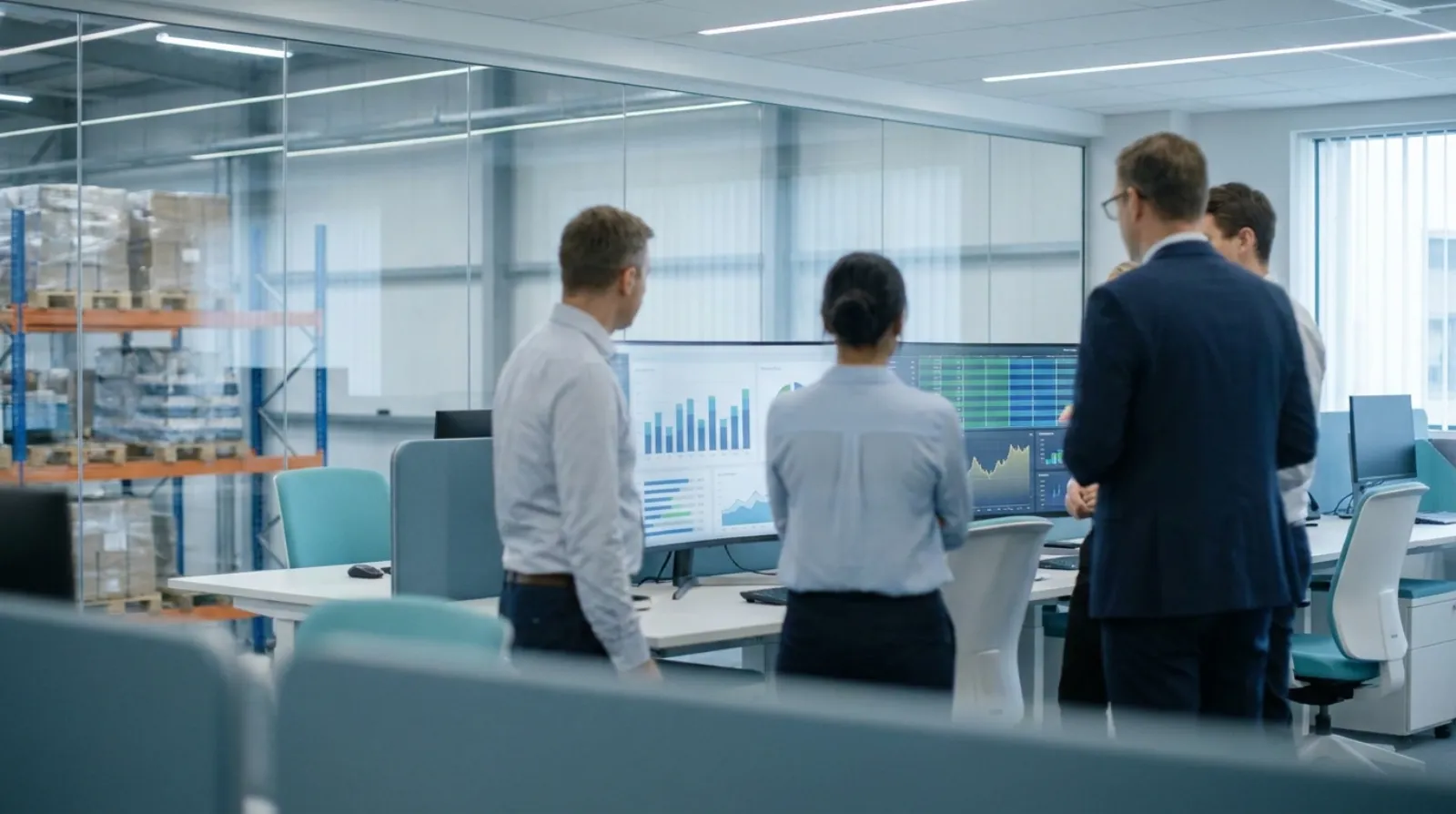
Warehouse, purchasing and finance staff in front of monitors showing an ERP dashboard with stock levels, a production schedule and financial charts

ERP implementation services cover setting up an enterprise resource planning system around a specific company’s processes: purchasing, inventory, manufacturing, sales, finance and reporting. An ERP keeps all of these in one database. A typical implementation includes discovery, system selection, solution design, configuration, data migration, integrations, user training and a go-live with post-launch support.

Signs your company is ready for an ERP

Nobody buys an ERP for the love of software. Companies get there when running the business across disconnected tools starts costing real money. If one of these sounds familiar, that is your signal.

“The stock count in our system never matches what is in the warehouse”

You sell items you do not have, or tie up cash in purchases you did not need. Every physical count turns into a fire drill.

We set up inventory management with receiving and picking steps, reservations and bin locations. Stock levels change the moment a transaction happens, not when someone gets back to a computer.

“We have outgrown QuickBooks and a pile of spreadsheets”

Sales, the warehouse and accounting each keep their own version of the truth. The same order is keyed in three times, and errors surface at month-end close.

We move these functions into one system or connect the existing ones through integrations. A document is created once and flows down the chain: sales order, shipment, invoice, payment.

“We do not know our true landed cost or margin per product”

Prices are set by gut feeling, unprofitable SKUs stay in the catalog for years, and discounts and marketplace fees quietly eat the profit.

We configure cost tracking and landed cost calculation that includes freight, duties, production and channel fees. Margin reports by item, customer and sales channel.

“Production planning lives in Excel and in the shop-floor supervisor’s head”

Missed ship dates, downtime because materials ran out, and when the supervisor is out, the plan stops.

We define bills of materials and routings, then set up material requirements planning and production orders. Purchasing, the shop floor and sales all work from the same plan.

What our ERP implementation services include

Scope depends on scale. A distributor with one warehouse and a manufacturer with several sites need different modules and a different depth of configuration.

Discovery and process mapping

We trace how an order, a product and the money move through your company today, who owns each step and where data is retyped by hand. We also write down which decisions leadership wants to make from ERP data.

System selection

Odoo, Microsoft Dynamics 365 Business Central, Oracle NetSuite, SAP Business One or a combination of tools, chosen by company size, industry and total cost of ownership, not by hype.

Solution design

We document target processes, master data, roles and permissions, reports and integrations. We flag separately what standard configuration covers and what needs customization, so there are no surprises later.

Inventory and purchasing

Item master, units of measure, warehouses and bins, reservations, purchase orders, reorder points and lot or serial number tracking where your products need it.

Manufacturing

Bills of materials, routings, material requirements planning, production orders, scrap tracking and job costing.

Finance and management reporting

Cash flow forecasting, budgets, cost accounting and management reports by business line. Statutory accounting and tax settings are agreed with your accountant or CPA.

Data migration

We load master data, opening balances and open transactions from your old tools and spreadsheets. Before the load, we remove duplicates and reconcile opening inventory and balances.

Training and documentation

Role-based guides for warehouse staff, sales reps, buyers, accountants and managers. Training runs on your own data, with hands-on support in the first weeks after go-live.

ERP integrations with the rest of your stack

An ERP stops being an island once orders flow into it automatically and stock, prices and statuses flow out. These are the connections we plan for most often.

CRM: HubSpot, Salesforce, Zoho CRM

A closed deal becomes a sales order in the ERP, and reps see stock, invoices and payments without opening the accounting system. Setting up the CRM itself is part of our CRM implementation service.

E-commerce and marketplaces

Shopify, WooCommerce, Amazon and eBay: stock and price sync, order import, and tracking of fees and returns so margin per channel is calculated honestly.

Banking and payments

Bank feeds and statement import, automatic matching of payments to invoices, and payment providers such as Stripe and PayPal feeding the ERP instead of a separate spreadsheet.

EDI and sales tax

EDI with retail partners and suppliers for orders, advance ship notices and invoices, and sales tax tools such as Avalara where your ERP supports them.

Website and customer portal

Orders placed on your website land in the ERP, and product availability and pricing on the site update from the system. No more weekly price list exports by hand.

Mobile apps and AI

Apps for field reps, warehouse scanning or service technicians work with live ERP data. We build them as part of mobile app development, and an AI assistant for reports and documents through AI integration.

Free project estimate and quote

Leave your contact — we'll review the task and send a quote with a scope breakdown and timelines. No pushy sales call.

Thank you! Request received — we'll get back with the estimate and quote within one business day.

Our ERP implementation process, step by step

Phases, timeline and milestones go into the project plan before kickoff, so both sides know what gets delivered at each step.

Step 01

Kickoff and discovery

Interviews with leadership and key users from each department, plus a review of current tools and documents. Result: a process map and a list of problems the ERP has to solve.

Step 02

System selection and scope

We compare suitable systems against your requirements, set project boundaries and phase order. We decide what goes live first and what follows in the next phase.

Step 03

Solution design

A design document covering processes, master data, roles, reports, integrations and the list of customizations. We sign it off before configuration starts, to avoid rework mid-project.

Step 04

Configuration, customization and integrations

We configure standard functionality, build what configuration cannot cover, and connect the CRM, bank, store, marketplaces and other systems.

Step 05

Data migration and testing

We load master data and opening balances, then run end-to-end scenarios on real documents, from sales order to payment and report. Key users take part in acceptance testing.

Step 06

Go-live and hypercare

Your team switches to the new system, we collect feedback and fine-tune settings. Once things are stable, we hand over documentation and stay on for support as agreed.

ERP vs CRM: which one does your business need

The two are often confused, even though they cover different jobs. Many companies run them together: the CRM takes the customer up to the deal, the ERP handles the order, the goods and the money after it.

CriterionCRMERP
Main jobWin the customer and close the dealFulfill the order and track resources: goods, materials, cash, capacity
Who uses itSales, marketing, sales managementWarehouse, purchasing, production, finance, accounting, leadership
What it storesContacts, deals, emails, calls, rep tasksItem master, stock levels, bills of materials, transactions, costs, payments
Typical systemsHubSpot, Salesforce, Pipedrive, Zoho CRMOdoo, Dynamics 365 Business Central, NetSuite, SAP Business One
Start here whenThe bottleneck is lost leads and poor visibility into salesThe bottleneck is inventory, purchasing, production or cost control

Who our ERP services are a good fit for

A good fit if

  • Distributors and retailers with a warehouse, several sales channels or marketplace sales.
  • Manufacturers that need to plan materials and capacity and calculate the cost of each job.
  • Companies with several entities, warehouses or locations that need consolidated management reporting.
  • Businesses already on an ERP that use it as a document archive rather than a management tool.

Not a fit if

  • Small service companies without inventory or production: a CRM plus accounting software such as QuickBooks or Xero is usually enough.
  • Teams whose processes are still changing every month: document them first, then automate.

What an ERP system is and why implementations stall

An ERP system is business management software that runs purchasing, inventory, manufacturing, sales and finance in one database. Unlike accounting software, it answers operational questions: what it costs to make a product, whether you have enough materials for an order, which sales channel actually makes money. For a small business that may be Odoo or Business Central; for a multi-entity company or a manufacturer with several production stages, NetSuite or SAP Business One are common candidates.

ERP projects usually stall for three reasons. The first is bending the system to old habits and piling on customizations where standard configuration would do; every extra customization makes upgrades harder. That is why, during design, we agree explicitly where the company adapts its process to the system and where the system is extended to fit the process.

The second is dirty data. If duplicate items and wrong opening balances move into the new system, the reports are wrong from day one and people go back to spreadsheets. Cleaning master data and reconciling opening inventory is a separate phase in the plan, not a task for later.

The third is the lack of an owner on the company side. An ERP rollout changes how several departments work, and without a project sponsor who makes decisions and enforces data entry discipline, the project drags on. We help you assign owners, train key users and hand over written procedures. If the ERP is part of a broader process overhaul, take a look at our business automation services as well.

FAQ: ERP implementation

We price each project by scope: the number of departments and users, the amount of customization, the integrations and the volume of data to migrate. Software subscriptions or licenses are paid separately under the vendor’s pricing. After the briefing and discovery, you get an estimate broken down by phase.
It is one system where a company runs purchasing, inventory, production, sales and finance instead of a set of disconnected spreadsheets and apps. Leadership sees stock, workload and cash in one place and makes decisions on current data.
A CRM manages the customer up to the deal; an ERP handles order fulfillment and resource tracking after it. Companies with inventory or production usually need both, connected through an integration: a won deal becomes a sales order in the ERP, and stock and payments are visible to the sales rep.
Most often Odoo, Microsoft Dynamics 365 Business Central, Oracle NetSuite and SAP Business One. If a lighter setup covers your needs, for example accounting software plus an inventory tool, we will say so: rolling out a heavy ERP without a real need is expensive and slow.
The phases are discovery, system selection, solution design, configuration and integrations, data migration, testing and go-live. Your team keeps working in the current tools until cutover, while key users take part in design and testing so the system matches their real work.
Yes, and it is often the safer route. We start with the area where losses are biggest, for example inventory and purchasing, then add manufacturing or finance. The order is fixed in the project plan.
Yes, as agreed. We help with enhancements, new integrations, reports and onboarding new staff as your processes change.

Tell us about your task — we'll come back with a quote and timeline

In response you'll get a project estimate, a quote broken down by scope, and timelines. Usually within one business day. Free, no strings attached.

4 of 6 project slots open this week.

Request received

Thank you! We'll get back with the project estimate, the quote and the timeline — usually within one business day.

Get an estimate