Web design for dentists that books new patients

A patient chooses a dentist by three things: a provider they can trust with their care, a clear sense of cost and the chance to book without a phone call. We build a dental practice website around those decisions: online booking from your practice management software, provider profiles, a page for every treatment and every notice the law requires.

Reply within 15 minutes · project assessment — free · pricing on request

Front desk of a modern dental office with a laptop showing a website mockup with a booking calendar

Web design for dentists means building a practice website where a patient finds the right treatment in a couple of minutes, checks the dentist’s credentials, understands what shapes the cost of care and books an open slot online. We design that structure, connect booking to your practice management software and prepare the site for SEO and ads for dental services.

Why a dental website doesn’t turn visits into appointments

These are the situations practices bring to us. Each has a clear cause and a technical fix.

“Appointments come in only by phone, and the front desk can’t keep up”

A patient with a toothache calls the next practice in the search results if nobody picks up by the second ring.

We add online booking that sees the real openings in your practice management software. The patient picks a time, and the front desk gets a finished appointment instead of a request to call back.

“The site has one “Services” page with a list of forty lines”

Someone searching for dental implants or Invisalign doesn’t find a dedicated answer, in search or on the site.

We make a separate page for each treatment: who it’s for, the stages, the number of visits and which provider performs it. Every page is a separate entry point from search.

“You can’t see the dentists on the site, only a photo of a chair and a logo”

People choose a dentist, not a building. Without faces, experience and specialties the site doesn’t earn trust.

We create provider profiles: specialty, education, treatments, schedule and a button to book with that specific dentist.

“We worry about complaints over how we advertise dental services”

Mistakes in the wording lead to warnings from regulators and ads rejected by the platforms.

We build licensure details, privacy notices, accessibility and consent wording into the page templates, and keep treatment claims careful and verifiable.

What’s included in a dental practice website

The scope depends on the practice. A one-chair office, a multi-location group and a specialty practice each need a different structure.

A structure by service line

General and preventive care, oral surgery, implants, orthodontics, restorative and cosmetic work, pediatric dentistry, emergency visits. Each line gets subpages for individual treatments.

Online booking

A booking widget with a choice of location, provider and time. Slots come from your practice management software, so double bookings don’t happen.

Provider profiles

Photo, specialty, education, continuing education, the treatments each dentist performs and patient reviews about them.

Insurance and payment information

Which plans you accept, how a first visit works, what financing options exist. The patient understands what a visit involves before arriving, with no prices on the page.

Smile galleries and reviews

Before-and-after cases with the patient’s written authorization, and reviews from outside platforms. We present them in a way that follows the advertising rules for dental services.

Location pages

A separate page for each address: how to get there, parking, hours, the providers at that office. The details match your Google Business Profile.

Compliance layer

Licensure details, a notice of privacy practices, consent in the forms, an accessibility statement and careful wording about treatment outcomes.

SEO foundation and markup

Dentist, MedicalProcedure and FAQ structured data, meta tag templates for every treatment, fast loading on mobile.

Integrations a dental practice needs

A dental website doesn’t live apart from the front desk. We connect the tools the practice already uses and don’t make you switch working software.

Practice management software

Dentrix, Eaglesoft, Open Dental, Curve Dental and other systems with an API or a booking widget: provider schedules, appointments in the patient record, visit statuses.

Patient communication and CRM

Platforms such as Weave, NexHealth or Solutionreach, plus a CRM: website inquiries, calls and messages in one pipeline. You see which request came from which page and how it ended.

Reminders and messaging

SMS and email for confirmations and recall reminders. A patient finds it easier to confirm with a tap than to answer a call.

Directories and maps

Google Business Profile, Google Maps and Yelp, plus Zocdoc where it’s used: the practice’s rating is supported by outside sources.

Analytics

Google Analytics 4 with goals for every booking step and call tracking, so you can count the cost of a new patient by channel rather than by click.

Free project estimate and quote

Leave your contact — we'll review the task and send a quote with a scope breakdown and timelines. No pushy sales call.

Thank you! Request received — we'll get back with the estimate and quote within one business day.

The patient’s path from search to the chair

We design the site for the real sequence of a patient’s decisions, not for a pretty home page.

Step 01

A search driven by pain or a need

“Toothache at night,” “dental implants,” “dentist near me.” The patient lands on a page for a specific treatment or location, not on a generic home page.

Step 02

Checking trust

The dentist, their experience, the practice’s licensure, reviews, examples of work. All of it on the same page, with no hunting through menus.

Step 03

Understanding the cost

Information about insurance, payment options and what shapes the final cost of care. Most patients are lost at this step when everything is hidden.

Step 04

Booking in two taps

Choose a provider and a time online, or send a message. The appointment appears in your practice management software right away.

Step 05

Reminders and the return visit

A confirmation the day before, a recall reminder for a cleaning, an invitation to a check-up after treatment.

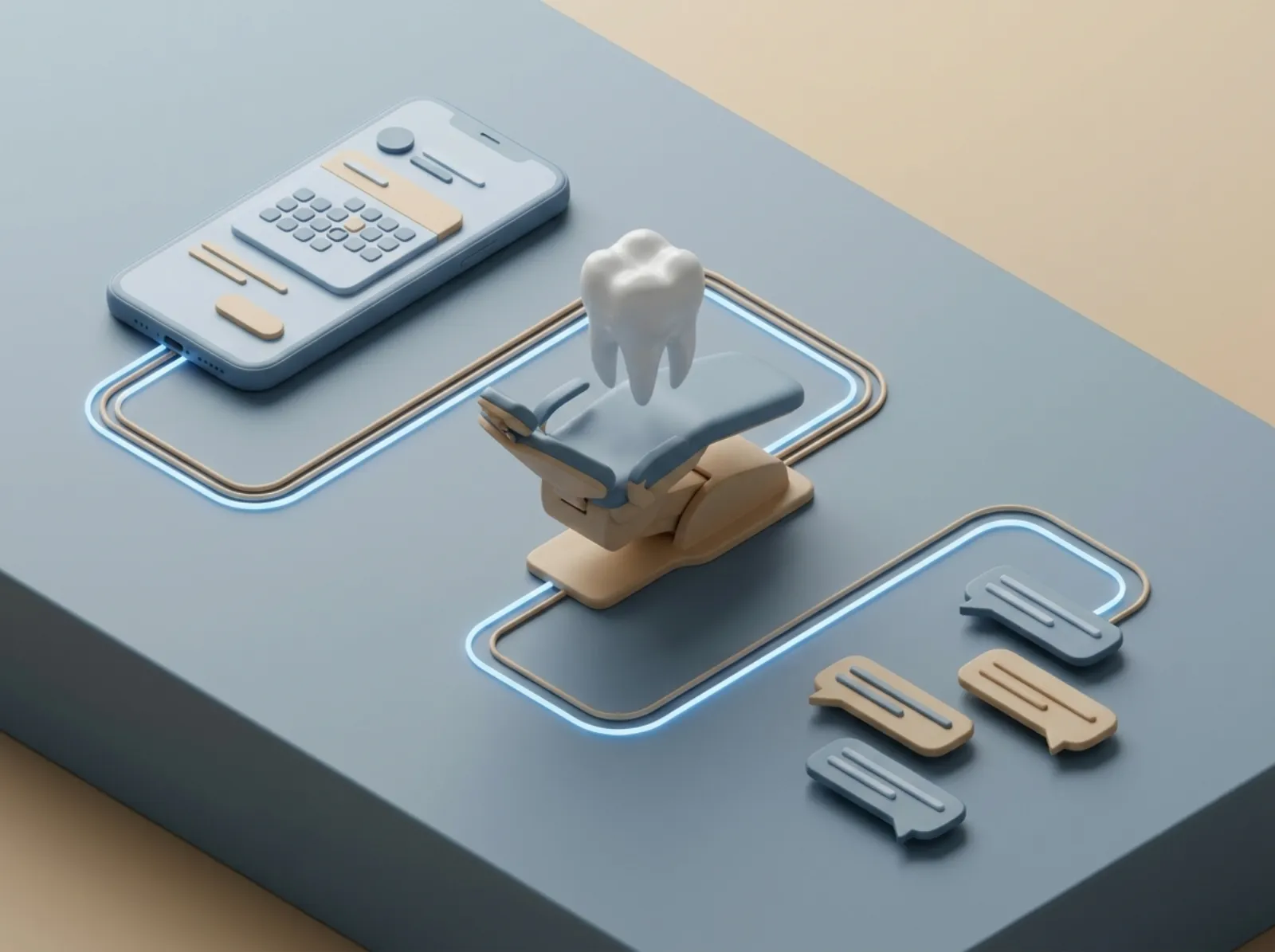
Patient journey diagram: a smartphone with a booking calendar, a dental chair and messages connected by lines
The patient’s path: from a search to a confirmed appointment in the dentist’s schedule.

A brochure site or a practice site built for booking: what’s different

Both options have their place. The choice depends on where the practice wants its patients to come from.

CriterionBrochure siteSite built for booking and search
StructureA few screens: about us, a list of services, contactsSeparate pages for service lines, treatments, providers and locations
BookingA phone number and a “call me back” formOnline booking from the practice software and messaging
SearchRanks mostly for the practice’s nameGets traffic from treatment and neighborhood searches
AdvertisingAds lead to a single generic pageEach ad group has its own landing page
TrustGeneral photos and text about the practiceProviders, licensure, reviews and examples next to each treatment
GrowthA new service means redoing the siteA new service means a new page from a ready template

Who it’s for, and who it isn’t

A good fit if

  • You want appointments from search and ads, not only from referrals.
  • You run practice management software or a CRM and need website booking tied to it.
  • You have several locations or dentists with different specialties and need clear navigation.
  • You plan SEO or Google Ads and need a landing page for each treatment.

Not a fit if

  • You need a single page with an address and a phone number: a complete Google Business Profile is enough.
  • You can’t provide provider details, licensure and insurance information. Without them a healthcare site doesn’t work.

How a dental website differs from an ordinary service site

Dentistry is a healthcare topic, and Google evaluates these sites more strictly. It looks at who stands behind the content: whether the practice shows licensure, whether the dentists are listed with their qualifications and whether addresses and phone numbers match across the site and maps. That’s why we begin with an inventory of what proves expertise: diplomas, certifications, specialties and real photos of the operatories, rather than with design.

The second difference is the structure of demand. Patients don’t search for “dentistry” in general. They search for a particular treatment: implants, braces, veneers, root canal therapy, wisdom tooth removal. A single “Services” section can’t rank for all of those at once. A separate page for each treatment, with the stages, the situations where it’s used and the dentists who perform it, answers both the search and the patient’s questions before the call.

The third is how patient information is handled. In the US, a dental practice is a HIPAA covered entity, so booking forms should collect only what’s needed, and tracking scripts on patient-facing pages deserve a careful review. In the UK and EU, health data is a special category under GDPR. Advertising has its own rules too: state dental boards in the US and the General Dental Council in the UK set expectations for what a practice can claim. If the site is built with those requirements in mind, you can run Google Ads straight away without rebuilding pages or having ads rejected.


Checklist: what to prepare before we start

The more complete these materials are, the faster the launch. If something is missing, we’ll help you collect it.

  • License numbers, the legal entity name and the addresses of all locations.
  • A list of treatments and the information about insurance and payment options.
  • A list of the dentists: specialty, education, years in practice, photos.
  • The name of your practice management software and access to its API or booking widget.
  • Links to your Google Business Profile, Yelp and other review profiles.
  • Photos of the operatories and equipment if you have your own; if not, we’ll arrange a shoot.

FAQ: Web design for dentists

We quote on request after a brief. The price depends on the number of treatments and locations, the integration with your practice software and the amount of copy. A one-dentist office and a multi-location group are different projects. The estimate is free, and the quote is broken down by scope.
Yes, if the software offers an API or a ready booking widget. We work with Dentrix, Eaglesoft, Open Dental, Curve Dental and several others through their integrations. Before we start, we check what data your system exposes: schedules, providers, locations.
We prepare the copy, and your dentists review the clinical part. Descriptions of procedures, who they’re for and the risks should be checked by a clinician from your practice.
Yes. License details, the legal entity name and addresses should be visible to patients. Without them the site loses trust with people and with search engines, and ad platforms may reject campaigns for dental services.
Yes, with the patient’s written authorization and without promising a guaranteed result. We’ll suggest a format that stays within the advertising rules for dental services in your state or country.
Yes. A structure by treatment, structured data, speed and meta tags are built in from the start. After launch you can add SEO without rebuilding the site.
It depends on the number of treatments, dentists and integrations. We fix the stages and dates in the contract before we start. A project moves fastest when the practice has gathered the materials from the checklist above.

Tell us about your task — we'll come back with a quote and timeline

In response you'll get a project estimate, a quote broken down by scope, and timelines. Usually within one business day. Free, no strings attached.

4 of 6 project slots open this week.

Request received

Thank you! We'll get back with the project estimate, the quote and the timeline — usually within one business day.

Get an estimate