CRM for manufacturing that shows every order from RFQ to shipment

In manufacturing, the sale doesn’t end when the contract is signed: estimating, release to production, lead-time control and shipping come next. We implement a manufacturing CRM so that the sales rep, the estimator and the production manager look at the same order, and the customer gets a status update without calls bouncing between departments.

Reply within 15 minutes · project assessment — free · pricing on request

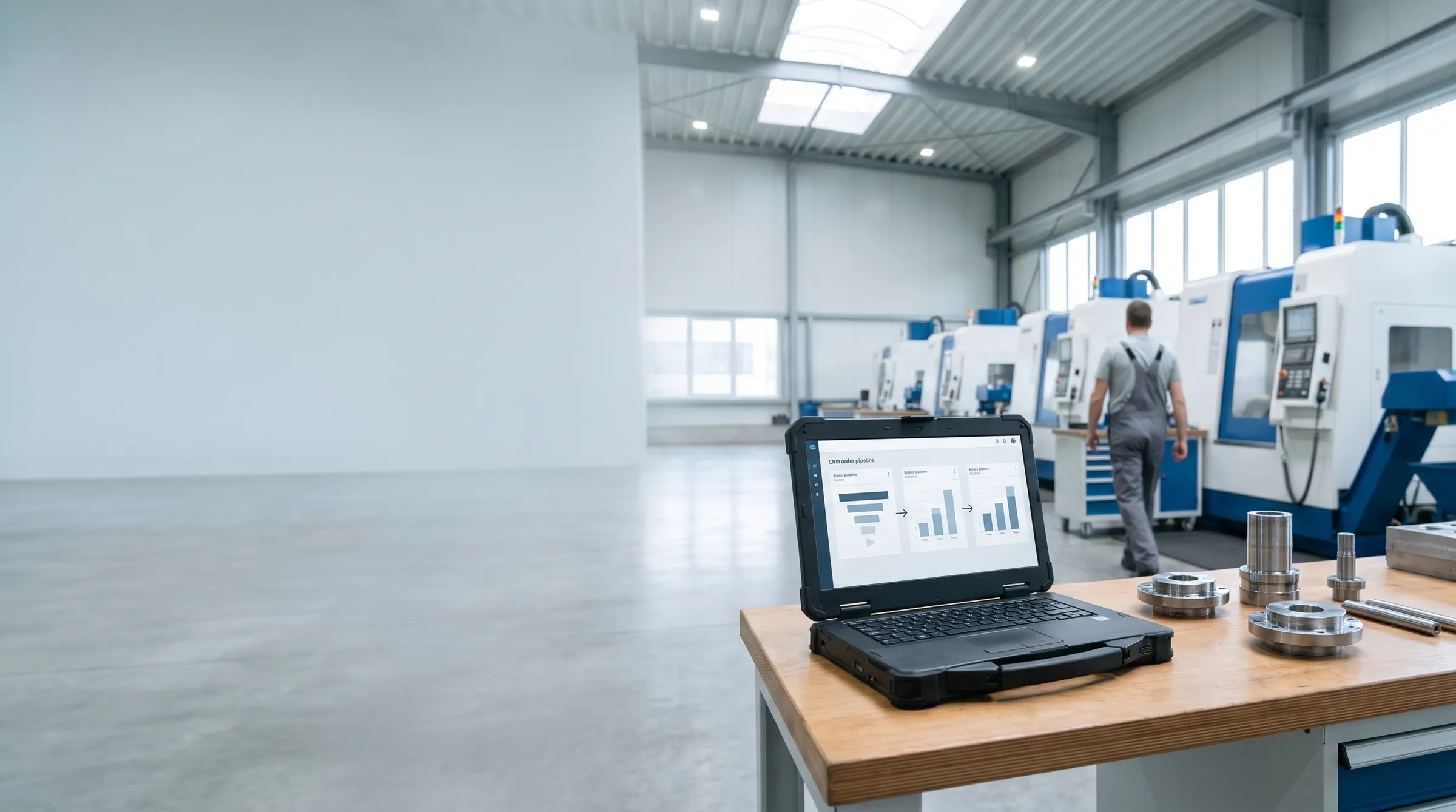
Machine shop with CNC equipment, a laptop on the workbench showing a CRM board of orders by production stage, a worker in workwear seen from behind

A CRM for manufacturing is a system that collects inquiries and RFQs from B2B customers, supports estimating and quoting, keeps contracts in one place and shows which production and shipping stage each order has reached. We implement manufacturing CRM on HubSpot, Salesforce, Pipedrive or Odoo and connect it to your ERP, inventory and document workflow.

Where manufacturers lose orders without a CRM

Situations that plants and fabrication shops bring to us.

“RFQs land in shared inboxes, supplier portals and reps’ personal phones”

Some requests slip through, and when a sales rep leaves, the customer relationships and negotiation history leave too.

We bring every inbound channel into the CRM: email, website forms, phone and messaging. Each request becomes a deal with an owner and a response deadline.

“A quote takes a week because engineering estimates in Excel”

The buyer receives your proposal after the competitors’ and goes with whoever answered first.

We add an estimating stage to the deal with a task for the estimator, plus quote and specification templates that fill in from deal data.

“A customer calls to ask when the order ships, and the rep walks to the shop floor”

Time goes into internal back-and-forth, the customer hears “let me check and call you back”, and trust wears thin.

We link the deal to the production order: statuses such as released, in production, quality check and ready to ship are visible to the rep on the deal record.

“We don’t know which customers have stopped ordering”

A repeat customer moves to a competitor, and you notice it months later in the revenue report.

We set up reorder monitoring: when an account goes longer than its usual cycle without an order, the account manager gets a task to reach out.

What we set up in a manufacturing CRM

The set of modules depends on how you produce: make-to-stock, make-to-order or engineer-to-order.

B2B sales pipeline

Inquiry, qualification, estimate, quote, negotiation, contract, deposit. Separate pipelines for distributors, direct accounts and tenders.

Estimating and quoting

A task for the estimator or a configurator driven by product parameters. The quote and specification are generated from a branded template.

Accounts and buying committees

Legal entity, contacts and their roles in the purchase, order and complaint history, payment and delivery terms.

Production order handoff

Once the deal is won, it creates a production order with the specification and due date. Shop-floor statuses flow back into the CRM.

Shipping and documents

Order confirmations, invoices and contracts are generated from the CRM and sent for e-signature. Open receivables are visible for each account.

RFQs and tenders

A dedicated pipeline for formal bids: submission deadlines, required documents, bid bonds where they apply, and the outcome.

Complaints and after-sales

Quality claims, returns and warranty requests tied to the batch and the order, with response deadlines and owners.

Management reporting

Order backlog, booked load by month, stage-to-stage conversion, reasons for lost deals, sales plan versus actual by rep.

Integrations with your ERP and back-office systems

A CRM doesn’t replace your ERP or inventory system; it exchanges data with them.

ERP

SAP Business One, Oracle NetSuite, Microsoft Dynamics 365 Business Central, Epicor, Odoo: items, price lists, stock levels, invoices and payments synced in both directions.

Accounting and inventory

QuickBooks, Xero or the inventory module of your ERP: material and finished-goods availability is visible when you commit to a lead time.

E-signature and EDI

DocuSign or PandaDoc for quotes and contracts sent from the deal record, with signing status. EDI order exchange with larger customers that require it.

Procurement portals

Monitoring of public and corporate procurement notices by keyword, for example SAM.gov in the US or TED in the EU, with a deal created for each relevant opportunity.

Phone and email

Customer calls and emails are logged on the deal timeline, so a manager can review the full conversation history for any account.

Free project estimate and quote

Leave your contact — we'll review the task and send a quote with a scope breakdown and timelines. No pushy sales call.

Thank you! Request received — we'll get back with the estimate and quote within one business day.

How a CRM rollout works in manufacturing

First we map how an order is sold and handed over to production, then we configure the system.

Step 01

Process discovery

Interviews with the commercial director, sales reps, estimators, production and warehouse leads. We document the path of an order and the places where it stalls.

Step 02

System design

Pipelines, fields, roles and permissions, document templates, the data-exchange map with your ERP. You sign off before configuration starts.

Step 03

Configuration and integrations

We build pipelines and automation, connect email, telephony, the ERP and e-signature, and migrate your customer base.

Step 04

Training and go-live

Role-based guides and training for reps and managers. During the first weeks we support daily work in the system and fix whatever gets in the way.

Step 05

Ongoing development

We add reports, reorder automation, a distributor portal or a website integration as the business grows.

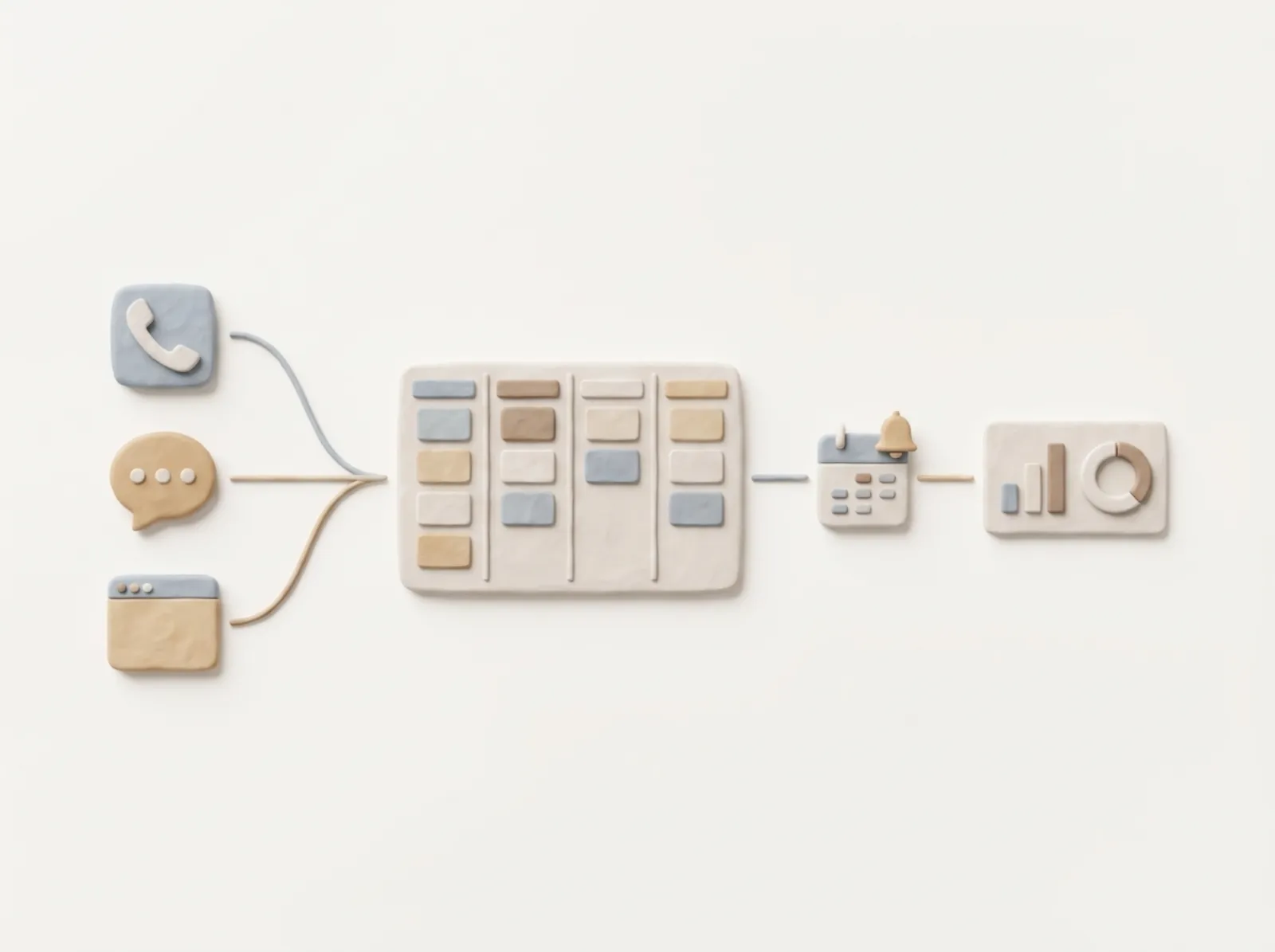
Isometric CRM diagram: calls, chat messages and website inquiries flow into a deal board linked to a task calendar and analytics
In the CRM, an order travels from inquiry through production and the warehouse to shipment.

Salesforce or HubSpot for manufacturing

Both platforms work for manufacturers. The choice depends on your processes, not on the brand.

CriterionSalesforceHubSpot
Complex processesDeep customization with custom objects and flows; Manufacturing Cloud adds sales agreements and account-based forecastingPipelines, custom objects and workflows; complex logic usually goes through integrations
QuotingCPQ tooling for configurable products and approval chainsBuilt-in quotes from templates and a product library
ERP connectionAppExchange connectors and middleware for the major ERPsApp Marketplace connectors and API-based integrations
AdministrationUsually needs a dedicated administrator or an implementation partnerEasier for the sales team to maintain day to day
Time to launchMore to configure, longer onboardingSimpler setup, quicker start for the sales team
When to chooseYou need sales, forecasting, service and channel partners in one heavily customized systemThe main goal is sales discipline, response speed and marketing in the same tool

Who it’s for, and who it isn’t

A good fit if

  • You sell to B2B customers, through distributors or by tender.
  • Products are made or configured to order, and every quote takes an estimator’s time.
  • Several reps manage accounts, and management has no single view of the order backlog.
  • Your records live in an ERP or accounting system, and you want to connect them to sales without double entry.

Not a fit if

  • You need production scheduling, routings and bills of materials: that is a job for ERP or MES, and a CRM won’t replace it.
  • One salesperson and a handful of regular customers: a spreadsheet and discipline are enough to start with.

How a manufacturing CRM differs from a CRM for distribution

In distribution a deal is usually short: inquiry, invoice, payment, delivery. In manufacturing, cost estimating, drawing approval, the contract, a deposit, material purchasing and production itself all sit between the inquiry and the shipment. That is why a manufacturing CRM is built around the order as well as the sale: the rep has to see what happens to the product after it is handed over to the shop floor.

The second difference is the number of people involved on the customer’s side. A buyer asks for the price, an engineer signs off on the technical requirements, a finance director approves the contract. On the account record we capture the role of each contact and the history of conversations with them, so a new rep can pick up the negotiation without losing context.

The third is the boundary between the CRM and your systems of record. Capacity planning, routings and material consumption rates live in the ERP or in a specialized MES. The CRM receives due dates and statuses from them and passes the order and customer data back. If your processes reach beyond sales, look at our business automation service, where we connect the whole stack.

Finally, repeat business. Many manufacturers live on regular customers with recurring orders. The CRM reminds the account manager about a customer who has skipped the usual cycle and suggests what to offer based on order history. It works without extra marketing spend and only requires clean data.

FAQ: CRM for manufacturing

We quote on request after process discovery. The price depends on the number of pipelines, user roles, ERP and e-signature integrations, and the amount of data to migrate. CRM licences are paid separately to the vendor at its own rates.
There is no single answer. Salesforce suits complex processes with forecasting, service and channel partners; HubSpot suits teams that want a quick start and marketing in the same tool. Pipedrive, Zoho CRM, Microsoft Dynamics 365 and Odoo are also common among manufacturers. We choose after reviewing your processes.
Yes. The ERP remains the system of record, and the CRM exchanges items, prices, invoices and payments with it. Sales reps work in the CRM; finance and the warehouse stay in the ERP.
Yes, as long as statuses are kept in the ERP or MES, or someone on the shop floor updates them. We set up the status exchange, and the rep sees the production stage right on the deal record.
We export your accounts, contacts and open deals, remove duplicates and import them into the CRM. Email history is connected through the mailbox integration.
The timeline depends on the number of processes and integrations. Stages and dates are fixed in the contract after discovery. We usually launch the sales pipeline first, then connect production statuses and documents.
We make the system more convenient than Excel: fewer mandatory fields, automatic tasks, document templates. We train by role and give management reports that show who actually runs deals in the system.

Tell us about your task — we'll come back with a quote and timeline

In response you'll get a project estimate, a quote broken down by scope, and timelines. Usually within one business day. Free, no strings attached.

4 of 6 project slots open this week.

Request received

Thank you! We'll get back with the project estimate, the quote and the timeline — usually within one business day.

Get an estimate