Business automation for manufacturing: from order to shipment without spreadsheets

Manufacturing automation companies fall into two camps: some automate the machines with PLCs and SCADA, others fix the management side: orders, planning, purchasing, inventory and paperwork. We are the second kind. We remove the spreadsheets and the files passed between departments, and connect sales, production and your ERP into one flow.

Reply within 15 minutes · project assessment — free · pricing on request

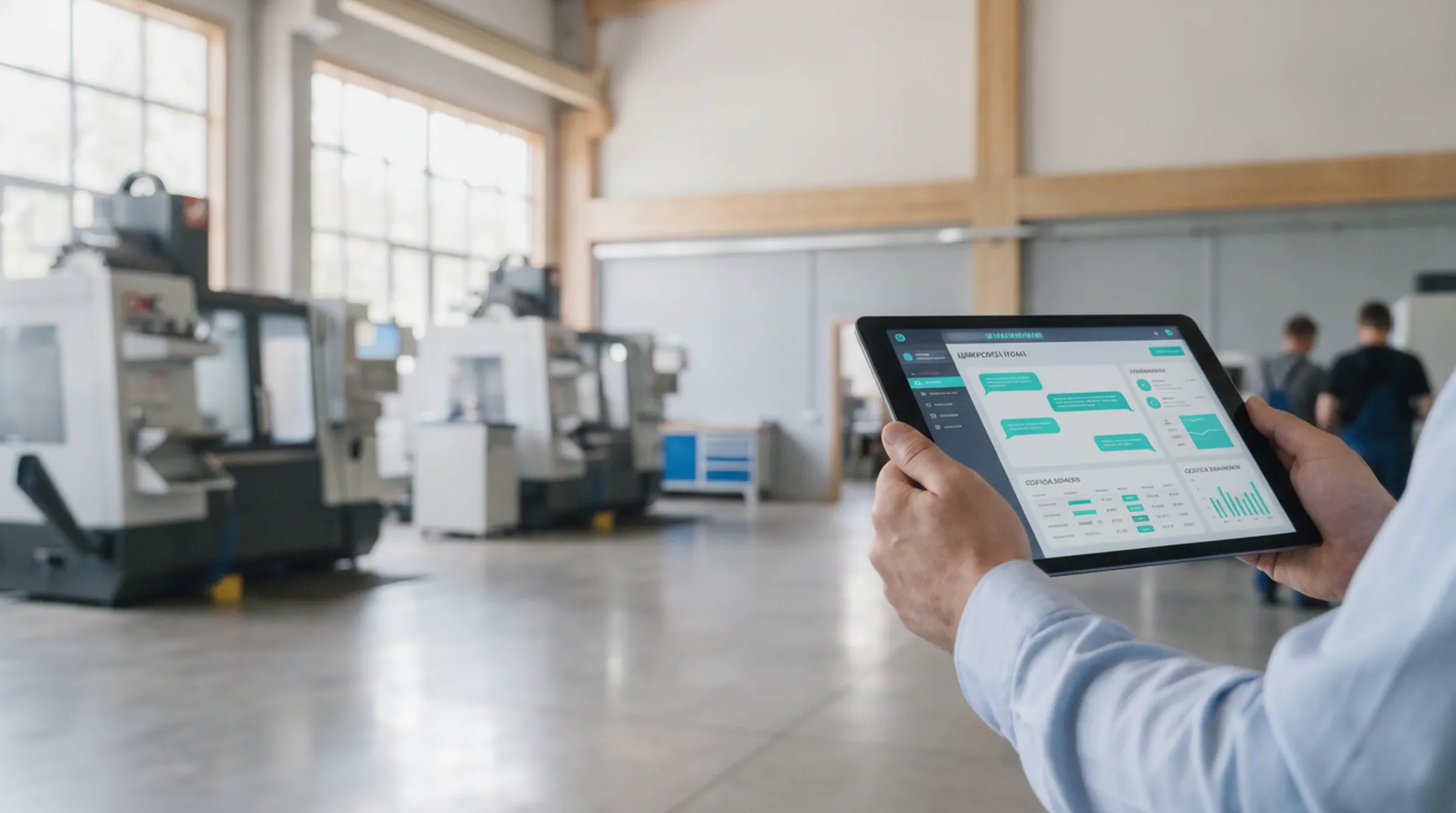
A production floor with CNC machines, a supervisor holding a tablet with a digital production schedule and order statuses

Business automation for manufacturing, as we do it, means moving a plant’s management processes into connected systems: a customer order automatically becomes a bill of materials and a work order for the shop, purchasing sees the material requirement, the warehouse sees the allocations, and the manager sees capacity load and ship dates. We design these processes, connect your CRM, ERP and shop-floor records and remove manual data transfer.

Where a manufacturer loses time and money

Situations that production companies bring to us: the machines run, while management depends on spreadsheets and people’s memory.

“To give a customer a lead time, the sales rep walks out to the shop floor”

Lead times are quoted by gut feel, orders slip and the customer goes to a supplier who answers faster and more accurately.

Equipment load and the order queue are visible in the system. The rep sees the next open window and quotes a lead time from data, not from a hunch.

“Orders live in Excel, and every department keeps its own version”

Sales, production and purchasing work from different data, and errors surface at shipment.

One order moves through every department, from quote to shipment. A change in one place shows up everywhere, and the change history is kept.

“We run out of material halfway through an order”

A work center stands idle, there is a rush purchase at a premium and a missed deadline.

Material requirements are calculated from the BOMs of accepted orders. Purchasing sees shortages early and gets a task to buy.

“We only learn what an order cost after it ships”

Quote prices are set without knowing the margin, and some orders lose money.

Standard cost from BOMs and routings is available at the quoting stage, and actual cost once the order closes. Variances are visible on every order.

What we automate in manufacturing

The scope depends on the type of production: make-to-order, repetitive manufacturing and project-based fabrication call for different solutions.

Order intake and quoting

An RFQ from the CRM or the website, cost calculation from the BOM, approval by the customer and handoff to production with no manual copying.

BOMs and routings

Master data for products, materials and operations. From an order, the material requirement and labor hours are generated automatically.

Capacity planning

The order queue by work center and machine, with dates and priorities. Bottlenecks and realistic completion dates become visible.

Purchasing and inventory

Allocations against orders, minimum stock levels, purchase tasks, receiving of materials and putaway of finished goods.

Shop-floor reporting

Operation completion logged from a tablet or terminal at the work center, with order statuses for sales and customers.

Document flow

Contracts, invoices, packing lists, certificates of conformance and material certificates generated from order data and sent by e-signature or EDI.

Management reports

Capacity load, lead times, late orders, cost and margin by order and by customer.

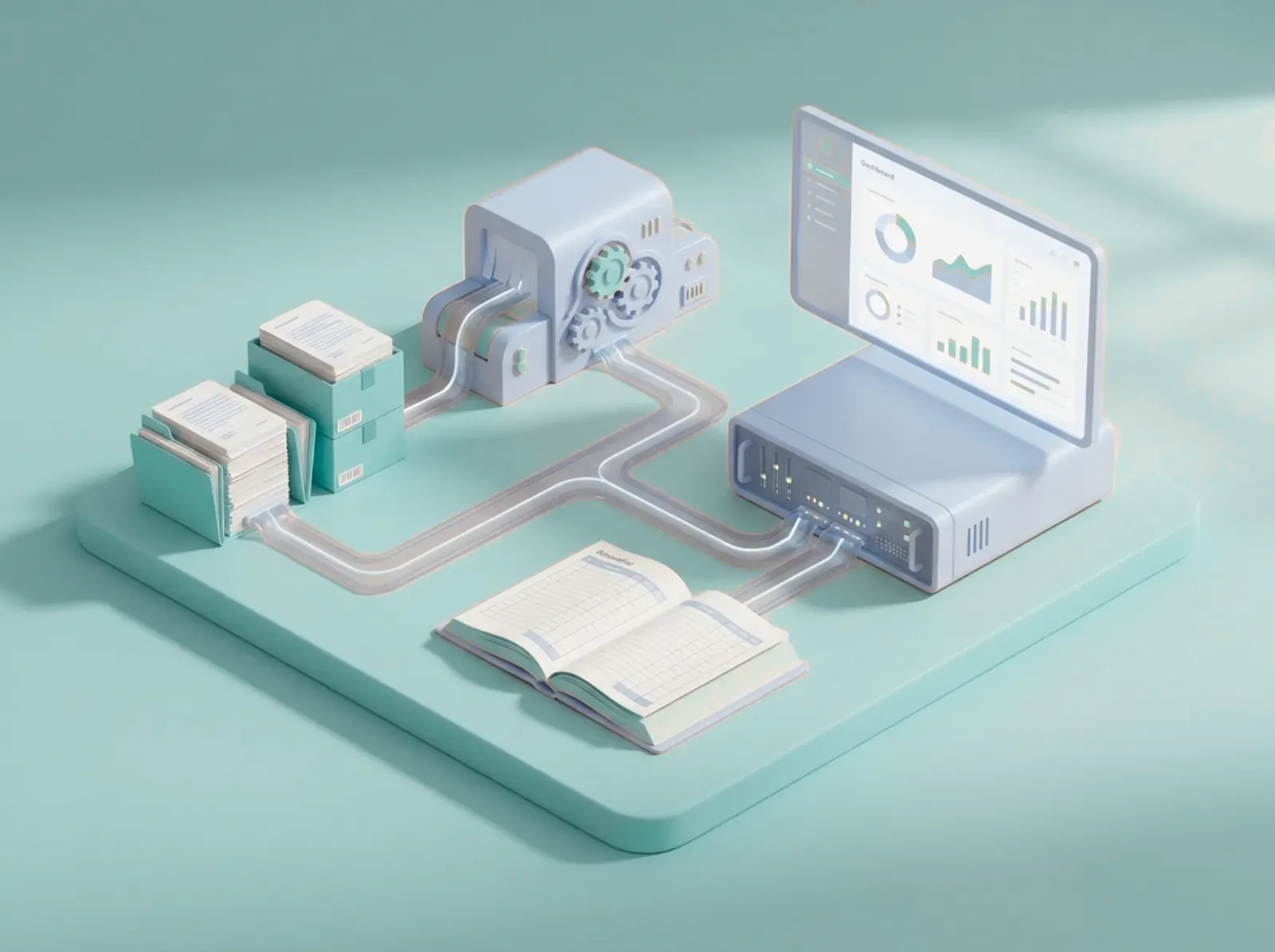
Isometric automation diagram: documents, a warehouse, a machine and accounting connected by data flows to a central server and a monitoring dashboard
The order, production, warehouse and accounting exchange data without manual transfer.

The systems we connect

We don’t change everything at once. We connect what already works and close the gaps between systems.

ERP

SAP Business One, Oracle NetSuite, Microsoft Dynamics 365 Business Central, Odoo, Epicor or Acumatica: accounting, inventory, costing and purchasing.

CRM

HubSpot, Salesforce or Pipedrive for sales and quoting. For more on linking sales and the shop floor, see CRM for manufacturing.

E-signature and EDI

DocuSign or PandaDoc, and EDI connections for exchanging orders and invoices with customers and suppliers.

Engineering data

Export of BOMs from CAD and PDM systems such as SOLIDWORKS PDM or Autodesk Vault into the ERP, so the product structure isn’t retyped by hand.

Terminals and scanners

Tablets at work centers, barcode scanners in the warehouse and product labeling.

Messaging and notifications

Order statuses to customers, and alerts about late orders and shortages to managers in Microsoft Teams, Slack or email.

Free review of your processes

Leave your contact and we'll show which processes are worth automating first and what that would change. No sales pitch.

Thank you! Request received — we'll get back with your process review within one business day.

How automation of a manufacturer goes

We go from process to system, not the other way around. Each stage delivers something that works.

Step 012–3 weeks

Assessment

We walk the path of an order: sales, process engineering, purchasing, the shop floor, the warehouse, accounting. We record where data is moved by hand and where time is lost.

Step 02

Process map and priorities

We describe the target process and pick the areas where automation pays off first. Usually that is order intake and purchasing.

Step 03

Design

Master data, documents, statuses, roles and the exchange between systems. We agree it with department heads.

Step 04

Configuration and integrations

We configure the ERP and CRM, build the data exchanges and connect terminals and e-signature. We migrate master data and stock balances.

Step 05

Pilot in one area

We go live on a limited flow of orders, in parallel with the old way of working. We fix what we missed.

Step 06

Rollout and support

We bring in the other areas, train staff, and then maintain and extend the setup.

How to choose a company for manufacturing automation

The first thing to ask a contractor is which level of automation they do. PLCs and SCADA control equipment: controllers, sensors and drives. MES tracks the execution of operations on the shop floor. ERP and CRM manage orders, resources and sales. These are different skill sets, and one company is rarely strong in all of them. We work at the management and shop-floor records level, and for control-system work we recommend dedicated controls engineers.

The second is where the contractor suggests starting. If the first step sounds like “buy licenses for everything,” be wary. A good project starts with an assessment and the choice of the area where automation will pay back soonest, not with turning on every module at once.

The third is who will support the system after launch. A plant keeps changing: new products, equipment, customers. Master data and processes need ongoing work, and it matters that your own employee or a contractor can do it on clear terms. Typical scenarios for other departments are collected in our guide to business process automation examples.

  • Ask which level they work at: controls, MES, or order management and accounting.
  • Ask for a plan in stages with a pilot in one area.
  • Check their experience with your ERP and your type of production.
  • Agree on support and training before the start.

Levels of automation in manufacturing

This helps you see which kind of contractor fits your task.

LevelWhat it automatesWho does it
Controls (PLC, SCADA)Control of machines and lines, sensors and controllersControls engineering firms and industrial automation integrators
MESOperation tracking, equipment load, qualityMES implementation partners
ERP and accountingOrders, BOMs, purchasing, inventory, costingERP implementation partners
CRM and salesInquiries, estimates, quotes, deals, reordersCRM implementation teams
Integrations and document flowExchange between systems, e-signature and EDI, reportsIntegrators and business process automation specialists

Who it’s for, and who it isn’t

A good fit if

  • A make-to-order plant where lead times and estimates depend on spreadsheets and certain individuals.
  • You have an ERP, but the shop floor and sales live outside it.
  • The number of orders is growing, and manual management is no longer coping.
  • The owner wants to see load, lead times and margin by order.

Not a fit if

  • You need automation of machines and lines: that is a job for controls engineering firms.
  • There is nobody on the production side who can take part in the project.

FAQ: Business automation for manufacturing

We quote on request after the assessment. It depends on the number of areas, processes and systems to connect. We begin with a pilot in one area so that the investment pays back step by step.
No, equipment control is a job for controls engineering firms. We automate management: orders, planning, purchasing, inventory, documents and the link to your ERP. If needed, we’ll point you to the kind of specialist the equipment requires.
With an assessment of the order path. Most often order intake and quoting, and purchasing, come first, because they carry the most manual work and errors. Shop-floor reporting is added once the data is in order.
Not always. Often it is enough to extend the current setup and connect it to the CRM and shop-floor records. We suggest moving to a different system only if the current one can’t cope with the needs of production.
A pilot in one area usually takes a few months, including the assessment. A full project depends on the scale of the plant. We set the timeline in a staged plan after the assessment.
Yes, for example to read incoming RFQs and specifications or to search technical documentation. That is a separate service: AI in manufacturing.

Tell us about your processes — we'll come back with an automation plan

In response you'll get a process map, automation priorities and an impact model. Usually within one business day. Free, no strings attached.

4 of 6 project slots open this week.

Request received

Thank you! We'll get back with a process map, automation priorities and an impact model — usually within one business day.

Get an estimate