
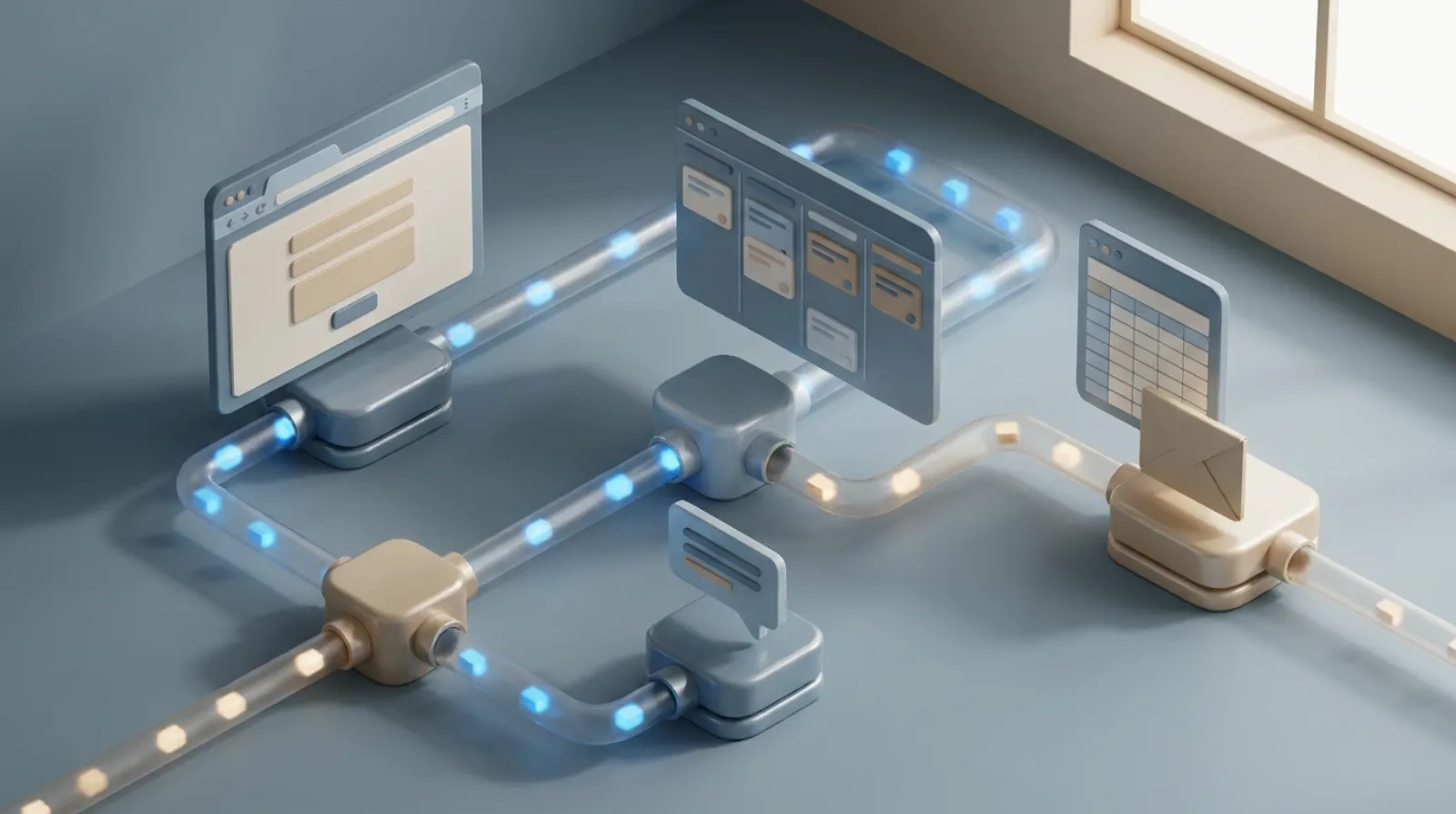
Business process automation examples: inquiries from your website and messaging apps land in the CRM by themselves, a task is created for a rep, the customer gets a confirmation, an invoice is generated from the deal, and the manager gets a report without manual spreadsheets. You automate repetitive actions that follow clear rules, using built-in CRM workflows or a workflow builder such as n8n, Zapier or Make.
What business process automation is
A business process is a repeatable sequence of actions that leads to a result: handling an inquiry, issuing an invoice, shipping an order, onboarding an employee. Automation means software performs part of those actions: moving data between systems, creating tasks, sending notifications and generating documents.
It makes sense to automate what happens often, follows the same rules each time and currently eats people’s time or causes errors. If a rep copies customer details from an email into the CRM and then into an invoice ten times a day, that is a candidate. If every decision is unique and depends on a specialist’s experience, automate around it, with data collection, reminders and reporting, but not the decision itself.
The result of automation is not fewer people but less routine and fewer losses: inquiries do not get lost, customers get answers sooner, and the manager sees the real picture without compiling spreadsheets by hand.
Business process automation examples by department
Below are typical scenarios found in almost any small or mid-sized company. Each is assembled from ready-made tools: a CRM, integrations, bots and workflow builders.
- Sales. Inquiries from the website, phone system, ad lead forms and messaging apps automatically create a deal in the CRM, assign an owner and set a callback task. If a rep does not pick up the lead, the manager receives an alert.
- Customer service. After payment, the customer gets a confirmation and instructions; the day before a visit, a reminder; after the service, a request for a review.
- Documents. An invoice, a contract and a completion certificate are generated from the deal data using a template and sent to the customer through an e-signature tool such as DocuSign or PandaDoc; payment status is pulled in from QuickBooks, Xero or your ERP.
- Marketing. The source of every inquiry is written to the CRM, sales data flows back to Google Analytics 4 and the ad platforms, and customer segments are refreshed for email campaigns.
- Inventory and orders. Stock levels sync between your inventory system or ERP, your Shopify or WooCommerce store and marketplaces such as Amazon or eBay; when stock falls below a threshold, a purchasing task appears.
- Internal processes. Requests for expense approval, time off and purchasing follow a route with notifications in Slack or Microsoft Teams instead of private email threads.
- Reporting. A daily summary of inquiries, sales and tasks reaches the manager by email or in a team chat.
Steps to automate a business process
A sequence that reduces the risk of automating the wrong thing in the wrong way.
- Describe the process as it is. Who does what, in which system and in what order. It helps to draw a diagram from the trigger (“a lead arrives”) to the result (“payment received”).
- Find the bottlenecks. Where data is re-entered by hand, where inquiries get lost, where people wait for an answer and where mistakes are most frequent. This is your list of candidates.
- Put it in order first. Remove unnecessary steps and agree on the rules: which fields are required, who owns each stage, what counts as done.
- Choose the tools. First check what your CRM and accounting system can already do. To link different services, use ready-made integrations or a workflow builder.
- Build and test. Run workflows on test data, then on a slice of real data. Check what happens on errors: a service is down, a field is empty, a customer is duplicated.
- Train your people. Show what now happens by itself and what is still done by hand. Without that, people keep duplicating the work out of habit.
- Maintain and extend. Assign an owner, keep a log of workflows and review errors. Processes change, and workflows have to be updated with them.
What n8n is, in plain words
n8n is a workflow automation tool where you assemble scenarios from blocks on a visual canvas. Each block is an action in some service: receive a form submission, create a deal in the CRM, add a row to a spreadsheet, send a message in Slack, call an AI model. Blocks are connected by arrows, and data passes from one to the next.
The main difference from many similar services is that n8n can be installed on your own server. Customer data then stays out of someone else’s cloud, and the number of workflows and runs is limited only by the server’s capacity. For companies that fall under GDPR or have strict data residency requirements, that is a real argument.
n8n has hundreds of ready integrations, and for any service that has an API (an interface programs use to exchange data) you can use the universal HTTP Request node. That lets you connect systems even when no ready-made block exists. Where the logic needs more, you add small snippets of JavaScript or Python.
Comparable tools are Zapier and Make, which are cloud-first and priced by usage, and Microsoft Power Automate for teams already in the Microsoft ecosystem. Teams pick n8n when they want flexibility, AI steps inside workflows and the option to host on their own server, and pick Zapier or Make when a fast start with no server matters more.
n8n: examples of business workflows
Typical automations built on n8n in small and mid-sized companies.
| Workflow | What it connects | What it does |
|---|---|---|
| Lead capture | Website forms, a messaging bot, email, CRM | Creates a deal, checks for duplicates, assigns a rep, posts to the team chat |
| AI triage of inquiries | Email or chat, a language model, CRM | Identifies the topic and urgency of a request, drafts a reply, passes it to a rep |
| Order sync | Online store, marketplaces, inventory or ERP system | Moves orders and stock levels and flags discrepancies |
| Report for the manager | CRM, ad accounts, spreadsheets | Collects the day’s figures and sends a summary to email or chat |
| Documents | CRM, templates, email | Generates an invoice or contract from deal data and sends it to the customer |
| Deadline control | CRM, calendar, messaging app | Reminds owners of overdue tasks and deals with no movement |
How to install n8n
There are two routes. The first is the cloud version from the developer: you sign up and start building workflows at once, and the server and updates are not your concern. The second is a self-hosted installation on your own server, such as a VPS at a cloud provider or a machine in your office.
For self-hosting, most teams use Docker, which runs an application in an isolated container with all its dependencies. You install Docker on the server, run the official n8n image, connect a PostgreSQL database for reliable storage, and set up a domain and an HTTPS certificate. For small workloads, running it through npm on a machine with Node.js is also possible.
After installation, set up backups, updates and access control. Workflows store the keys to your CRM, email and other systems, so the server must be protected as carefully as those systems themselves.
What n8n costs and how it is licensed
The cost of n8n depends on how you use it. The self-hosted community edition can be used for your own internal business processes under the developer’s license terms, with no license fee, so you pay for the server and the setup work. The cloud version and enterprise features are sold as a subscription, and the plan depends on the number of workflow executions and the features you need. Check the developer’s site for current terms and read the license carefully, because it restricts certain commercial uses such as reselling n8n as a service.
When you plan a budget, look beyond the license to total cost of ownership: the server, setup, workflow maintenance, updates and staff time. A simple workflow comes together quickly, while a complex integration with error handling and logging needs real development.
A sensible way to start is a single workflow with an obvious payoff, run for a few weeks, with the hosting choice made once you know how heavy the usage is.
When automation will not help
Start with one or two processes with the most obvious effect, usually lead intake and task creation. When they run reliably, move on to documents, inventory and reporting. For how to choose the foundation for such automation, read how to choose a CRM. Phone calls can be automated as well, and we explain how in AI voice agents for business.
- The process is not described. If every rep works differently, automation locks in the chaos.
- The task is rare. An action once a quarter is easier to do by hand than to maintain a workflow for.
- Nobody owns it. Workflows break when fields or plans change in a connected service, and without an owner it is noticed too late.
- The data is dirty. Duplicates and empty fields in the CRM make workflows send messages to the wrong people.
- The goal cannot be measured. If it is unclear what should improve, you cannot tell whether the automation worked.
Related services: Business Automation, Full-service marketing, SEO Services.
More on the blog: How to name a business, How to remove a Google review, Telegram advertising: Telegram Ads and channel posts.