AI for construction companies that takes paperwork off estimators and project engineers

In a construction company, the most time goes not into building but into documents: bid packages hundreds of pages long, estimates, submittals, closeout documents, and correspondence with owners and subcontractors. We bring AI in where it really lifts that load and build it into your processes and systems, not into a standalone chat that everyone forgets in a month.

Reply within 15 minutes · project assessment — free · pricing on request

A site trailer office: a tablet with an AI assistant over drawings and an estimate, a hard hat and a tape measure, cranes and a building frame outside the window

AI for construction companies means connecting language models and AI assistants to the daily work of a contractor: reviewing bid packages, supporting estimates, searching codes and specifications, checking closeout documents, reviewing jobsite photos and handling inquiries from clients. We find the processes with the most routine, build assistants on your own data and connect them to your systems.

Where a construction company loses time to routine

Problems that general contractors, specialty subcontractors and home builders bring to us.

“We spend three days reading the bid documents, and the evening is all that’s left for pricing”

The company bids on fewer projects, or submits bids with mistakes and missed requirements.

An AI assistant goes through the package: it pulls out qualification requirements, deadlines, quantities, liquidated damages and contract risks. The estimator gets a summary to verify instead of reading everything from scratch.

“Project engineers are buried in submittals and closeout paperwork”

Submittal logs and as-built records fall behind, the owner holds back sign-off, and payment arrives later.

The assistant drafts logs and transmittals from templates and project data, checks that the package is complete and spots mismatches before it goes to the owner.

“Engineers spend half a day looking for the right clause in a code or spec section”

Replies to plan review comments and RFIs get delayed, and decisions are made from memory rather than the current edition.

We build an assistant on your company’s library of specs, standards and details: it finds the clause, quotes it and links to the source document.

“Homebuilding inquiries come in at night and on weekends”

A homeowner sends a request to several builders and picks the one that replies first and with substance.

An AI agent answers questions about methods and timelines, collects the parameters of the planned home and hands a prepared lead to your sales manager.

What we implement in a construction company

We start with one or two processes where the effect shows up fastest and expand based on results.

Bid package review

A digest of requirements, deadlines, payment terms and penalties, a comparison with your standard terms, and a list of clarifying questions for the owner.

Estimator’s assistant

Matching bill-of-quantities lines to unit costs, finding missed scope and comparing estimates and subcontractor quotes.

Code and spec assistant

Search across building codes, specifications, company standards and standard details, with a quote and a link to the source.

Submittals and closeout documents

Draft submittal logs, transmittals and close-out registers from templates, and completeness checks before handover.

Jobsite photo review

Analysis of photos and video from the site: PPE use, housekeeping and progress documentation for the owner’s report.

Meeting minutes and correspondence

Transcribed coordination meetings, minutes with action items and dates, and draft replies to letters and claims.

AI agent for inquiries

Advice to homeowners and remodeling clients, collection of project parameters, preliminary qualification and a handoff into your CRM.

Project analytics

A summary of schedule slippage, procurement deviations and problem subcontractors drawn from data in your systems.

Integrations with construction systems

AI works with data the company already has. We connect to your systems instead of asking people to move documents by hand.

Estimating and takeoff software

Bluebeam, PlanSwift, STACK and Excel exports: reading estimates and quantity sheets and comparing versions.

Project management platforms

Procore, Autodesk Construction Cloud and similar tools: RFIs, submittals, daily logs and drawings.

Accounting and ERP

Sage 300 CRE, Viewpoint Vista, QuickBooks, NetSuite or Dynamics 365: contracts, purchasing, job costing and pay applications.

CRM

HubSpot, Salesforce or Pipedrive: leads, tasks and deals by project. More in our CRM for construction companies page.

Document storage

SharePoint, Google Drive, Box and project folders: the assistant reads current versions of documents and respects each person’s access rights.

AI models

ChatGPT, Claude, Gemini, or open models on your own server where documents cannot go to outside services.

Free AI-readiness audit of your workflows

Leave your contact — we'll show which tasks in your business are worth automating with AI and what that means in money. No pushy sales call.

Thank you! Request received — we'll get back with the audit within one business day.

Stages of rolling out AI in construction

Every stage ends with a result you can check, not a presentation.

Step 01

Process diagnostics

Interviews with project engineers, estimating, preconstruction and sales. We find the tasks where routine eats the most time.

Step 02

Choosing the pilot

We choose one process with a clear metric: time to review a bid, time to prepare closeout documents or time to respond to an inquiry.

Step 03

Building the assistant

We prepare the document base, configure the model, prompts and checks, and connect it to your company’s systems.

Step 04

Testing on real work

Your people use the assistant on live projects and bids, and we collect errors and refine.

Step 05

Scaling

We carry the approach to other departments and processes, train staff and hand over procedures for working with AI.

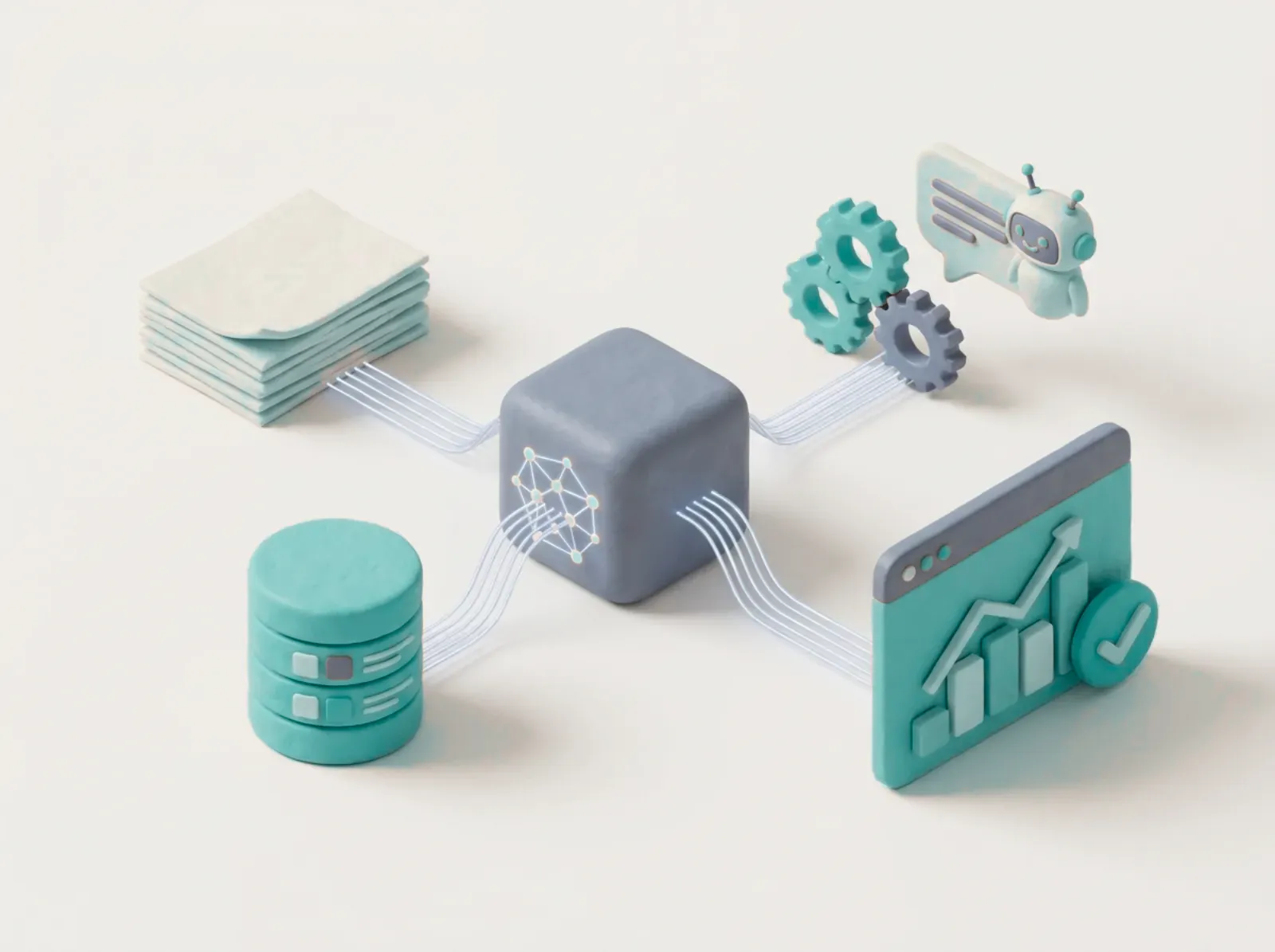
Isometric diagram of an AI rollout: documents and a database feed a model that drives automations and an assistant and outputs a report
AI assistants work with documents, jobsite data and client inquiries of a construction company.

Where AI helps in construction, and where the decision stays with a person

A model speeds up work with documents, but it doesn’t sign them and it isn’t accountable for site safety.

TaskWhat AI doesWhat stays with the specialist
BiddingSummary of requirements and contract risksThe decision to bid and the pricing
EstimatingFinds missing items and discrepanciesChecks unit costs and owns the final estimate
Codes and specsFinds the clause and quotes it with the sourceThe engineering decision and responsibility for it
Closeout documentsDrafts and completeness checksSignatures from responsible parties and verification against what was built
Site safetyFlags possible violations in jobsite photosAssessing the situation and taking action
Client inquiriesAdvice and collection of parametersPricing, contract and site visit

Who it’s for, and who it isn’t

A good fit if

  • A general contractor or subcontractor that bids on projects regularly.
  • A company with a large volume of closeout, submittal and estimating documents.
  • Home builders who need to respond to client inquiries quickly.
  • A company ready to assign someone to check the pilot results.

Not a fit if

  • You want AI to sign documents and make engineering decisions on its own: that isn’t possible, and it isn’t safe.
  • Your documents aren’t digitized and live only on paper: the data needs to be put in order first.

How to use AI in construction without taking on extra risk

The main value of AI in construction today is working with text and documents. Bid packages, contracts, codes, estimates, submittals and correspondence take up a huge share of the time that estimators and project engineers have. Language models are good at finding, comparing and structuring information, so we start with these tasks rather than costly experiments.

The second rule is that responsibility stays with a person. A model can be wrong, so every assistant shows its source: a code section, a page of the spec, a line of the estimate. The specialist checks the output instead of taking it on trust. That speeds the work up without creating risks that later cost more than the time saved.

The third is confidentiality. Drawings, estimates and contracts often contain trade secrets, and some owners, including public agencies and defense or critical-infrastructure clients, add their own restrictions. For those tasks we deploy models on your server or in a private cloud and set access rights so that the assistant sees only the documents a given employee is allowed to see.

Finally, a rollout is a change in process, not the installation of a program. We write down who uses the assistant and when, how they check the result and what to do when it errs. If you need an autonomous worker for high-volume tasks, look at our AI integration service.


FAQ: AI for construction companies

We quote on request after diagnostics. It depends on the number of processes, the volume of documents, the integrations and where the model will run: in the cloud or on your server. We usually begin with a pilot on one process.
AI supports the estimator: it matches line items, finds missed scope and spots differences between versions. The estimator checks and signs off on the final number, and the unit costs and the accountability remain theirs.
For confidential documents we use models on your own server or in a private cloud, with no data going to outside services. We set access rights the same way they are set in your document management systems.
With the process that has the most routine and a clear metric: bid package review, closeout documents or replies to inquiries. After the pilot it is clear where to scale.
Yes, but not much. We train by role and hand over procedures: how to give the assistant a task, how to check the result and what to do when it errs.
Yes. We configure the assistant to your company’s templates and standards: transmittal forms, meeting minute structures and standard contract terms.
It depends on the process and how ready your data is. We set the stages and dates in the contract after diagnostics and judge the pilot against a metric agreed at the start.

Tell us about your task — we'll come back with an AI integration plan

In response you'll get an AI-readiness audit of your workflows, the priority tasks and the impact model. Usually within one business day. Free, no strings attached.

4 of 6 project slots open this week.

Request received

Thank you! We'll get back with the AI-readiness audit, the priority tasks and the impact model — usually within one business day.

Get an estimate