CRM for hotels that brings guests back to book direct, without OTA commission

Most hotels have a PMS where reservations and room inventory live, but no system that works with the guest before and after the stay. We implement a hotel CRM so that inquiries from the website, messaging apps and the phone don’t get lost, corporate accounts and groups are managed in a pipeline, and guests who have already stayed with you come back through a direct booking.

Reply within 15 minutes · project assessment — free · pricing on request

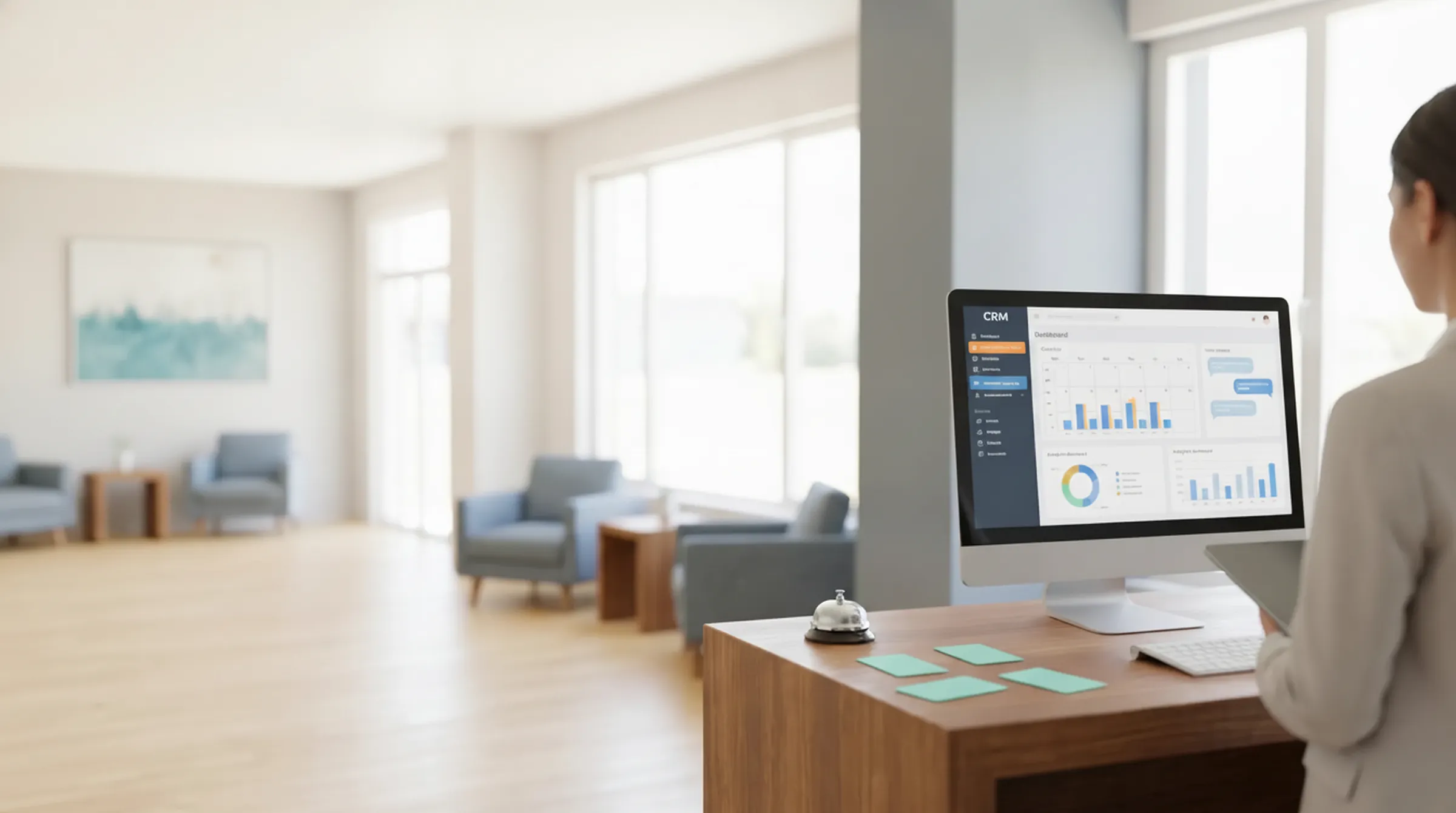
Front desk of a boutique hotel with a monitor showing a CRM and a booking calendar, key cards and a phone

A CRM for hotels is a guest and sales management system: it collects booking inquiries from every channel, keeps the stay history from your PMS, manages corporate accounts and group blocks, and helps bring guests back to book direct. We choose the CRM, connect it to your PMS and booking engine and set up the sales team’s pipelines.

Where a hotel loses bookings and repeat guests

Situations described by managers of small hotels, resorts, aparthotels and inns.

“Guests message us on WhatsApp and Instagram, and the front desk answers between check-ins”

A guest who doesn’t hear back within half an hour books through an online travel agency or the hotel down the road.

We connect the messaging channels to the CRM and set up quick replies with a link to the booking engine. Unanswered inquiries are visible to the whole shift.

“Half our bookings come through OTAs, and the commission eats the margin”

A guest who has already stayed with you searches for a hotel on a booking site next time and you pay the commission again.

We build a guest database from the PMS and bring guests back to book direct: an email after checkout, an anniversary-of-the-trip offer, perks for returning guests.

“Wedding, corporate and group inquiries get buried in email”

The most profitable stays need quoting and sign-offs, and without a pipeline nobody sees them through.

A separate pipeline for groups and events: inquiry, quote, proposal, contract, deposit, arrival.

What we set up in a hotel CRM

The set depends on the format: a small inn, a resort with restaurants and events, and a city hotel with corporate accounts all work differently.

One inbox for inquiries

Website, messaging apps, social media, calls and email in a single feed. You reply to the guest from the CRM, and the full conversation sits on their record.

Guest profile

Stay history from the PMS, room preferences, birthdays, party composition, reviews. The front desk recognizes a returning guest when they call.

Corporate sales pipeline

Companies with business travel: contract, negotiated rate, contact person, volume of stays, renewal dates.

Groups and events

Weddings, conferences, retreats, team offsites, sports camps. Quote, proposal, contract and deposit in one deal.

Pre-stay and post-stay flows

Before arrival: directions and what to bring. After checkout: a thank-you, a review request and an invitation to return.

Segments and campaigns

Families with children, weekend travelers, corporate guests. Each segment gets its own offers rather than one email to everyone.

Review handling

Reviews from travel sites and in-house surveys land on the guest record. A negative one becomes a task for the general manager.

Reports

Direct-booking share, inquiries and bookings by channel, the sales team’s results on corporate accounts and groups.

Integrations for a hotel CRM

A CRM doesn’t replace your PMS or channel manager; it works on top of them. We connect the systems so data isn’t entered twice.

Hotel PMS

Cloudbeds, Mews, Oracle OPERA Cloud, Apaleo, RoomRaccoon and other systems with an API: reservations, stays and guest data flow into the CRM automatically.

Website booking engine

A booking link in the conversation with the guest and the reservation status on their record. The guest books on their own, and the front desk sees the result.

Channel manager

Reservation data from the OTAs arrives through the PMS: you see which guests came from booking sites and whom you can win back directly.

Messaging and social

WhatsApp Business, SMS, Facebook and Instagram messages in one front-desk window, with templates for common questions.

Telephony

Call recording, the guest record on an inbound call, missed calls as tasks for the shift.

Email campaigns

Email platforms for pre-stay and post-stay messages and seasonal offers by segment.

Free project estimate and quote

Leave your contact — we'll review the task and send a quote with a scope breakdown and timelines. No pushy sales call.

Thank you! Request received — we'll get back with the estimate and quote within one business day.

The guest journey from first inquiry to return stay

We configure the CRM around the real guest cycle, not an abstract sales funnel.

Step 01

Inquiry

The guest messages, calls or leaves a request on the website: dates, party size, questions about breakfast and parking.

Step 02

Offer

The front desk replies from the CRM with a link to the booking engine, or with a ready quote for a group.

Step 03

Booking and preparation

The reservation is made in the PMS; the CRM sends a pre-arrival message with directions, check-in time and extras.

Step 04

The stay

The guest’s requests are noted on their record. A complaint during the stay becomes a task instead of vanishing in a chat.

Step 05

Checkout and review

A thank-you, a short survey and a request to leave a review. A poor score goes to the general manager.

Step 06

Return

An offer for the next season or holiday, perks for returning guests, and a direct booking link.

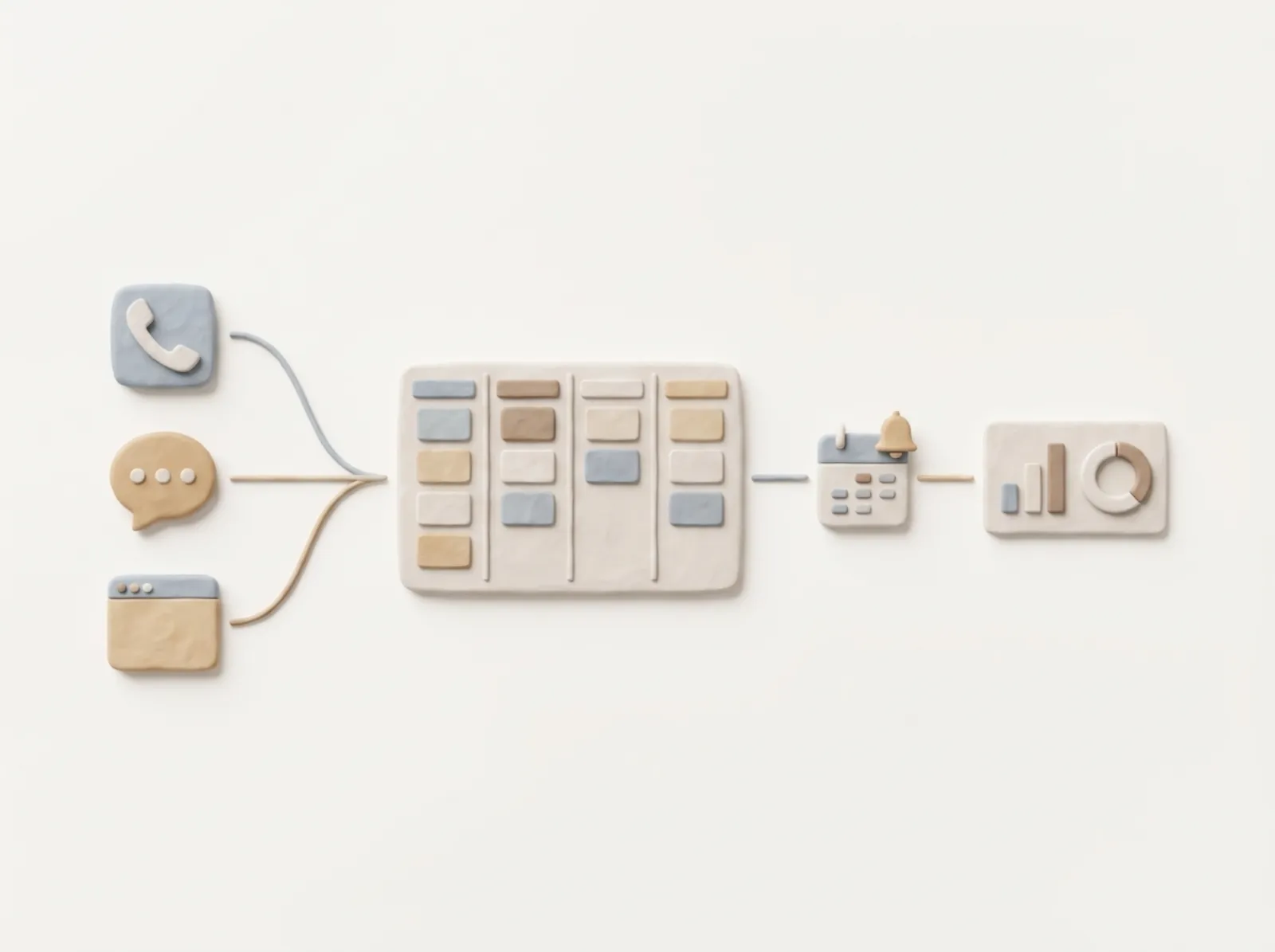
Isometric CRM diagram: calls, chat messages and website inquiries flow into a deal board linked to a task calendar and analytics
A guest inquiry moves through every stage in one system, from a chat message to an invitation for the next stay.

PMS and CRM: who does what in a hotel

A common question: why a CRM if we already have a PMS? The systems solve different problems and complement each other.

TaskPMSCRM
Room inventory and the room chartYes, its core functionNo, it takes the data from the PMS
Check-in, check-out, paymentsYesNo
Inquiries from messaging apps and callsUsually notYes, in one inbox
Corporate accounts and groupsPartly, at the reservation levelYes, the full sales cycle
Repeat sales and campaignsLimitedYes, by guest segment

Who it’s for, and who it isn’t

A good fit if

  • A hotel or inn where messaging inquiries get lost between shifts.
  • A resort or retreat with weddings, events and corporate offsites.
  • A city hotel with corporate accounts and a business-travel flow.
  • A property that wants to depend less on booking sites.

Not a fit if

  • A small guesthouse with a few rooms where the owner answers every inquiry personally: a PMS and a messaging app are enough.
  • A property with no PMS: start with one, because a CRM without reservation data works blind.

How a hotel CRM differs from a CRM for other businesses

In a hotel, a sale is tied to dates and room inventory, and those live in the PMS. A CRM that doesn’t know about reservations turns into an address book. That is why an implementation always begins with the PMS integration: which guest and stay data your system exposes, how often it updates, and whether you can create a booking from the CRM.

The second feature is several types of sales under one roof. An individual guest books through the engine, a corporate client works under a contract, and a group needs quoting and sign-offs. Each type needs its own pipeline with different stages and owners; otherwise the sales team lumps everything into one list.

The third is personal data. A hotel handles guests’ identification and contact details, and under GDPR and similar privacy laws access to it has to be limited and the purpose clear. We move into the CRM only what sales and service need: contacts, stay history, preferences. Card details stay with your payment processor. New guests come from SEO and a site with a booking engine, and the CRM works with the guests who have already stayed with you.

Checklist: what to prepare for the rollout

If something is missing, we’ll sort it out at the start.

  • The name of your PMS, booking engine and channel manager.
  • The channels inquiries come from: messaging, social, phone, email.
  • A list of corporate accounts and the terms of their agreements.
  • Proposal templates for groups and events.
  • Who owns sales and who runs the front desk.
  • The reports the general manager and the owner need.

FAQ: CRM for hotels

We quote on request after reviewing your processes. It depends on the type of property, the PMS integration, the number of channels and pipelines. You pay the CRM licence separately to the vendor.
The PMS manages rooms, reservations and check-in, while the CRM works with the guest before and after the stay: messaging inquiries, corporate sales, groups and repeat bookings. Together they cover the full cycle.
We choose by which PMS has a ready integration and what kinds of sales the property runs. HubSpot suits a hotel with a sales team and events, while Pipedrive is a lighter option for handling inquiries from messaging apps quickly. Salesforce is an option for larger groups with complex requirements.
Yes, if the system offers an API or a ready connector. Before we start, we check which data your PMS provides and how often, and design the exchange around it.
The CRM stores the contact details of guests who have already stayed with you and sends them offers that link to booking on your own website. The guest returns directly instead of searching for a hotel on a booking site again.
It depends on the integrations and the number of pipelines. We fix the stages and dates before we begin. It is easiest to start outside peak season so the team has time to learn the system.

Tell us about your task — we'll come back with a quote and timeline

In response you'll get a project estimate, a quote broken down by scope, and timelines. Usually within one business day. Free, no strings attached.

4 of 6 project slots open this week.

Request received

Thank you! We'll get back with the project estimate, the quote and the timeline — usually within one business day.

Get an estimate