CRM for auto repair shops where every vehicle stays in view

In a repair shop, money leaks through the gaps: between the call and the booking, between the inspection and the customer’s approval, between ordering a part and its arrival. We implement a CRM for garages, detailing studios, car washes and tire shops so that every vehicle moves from inquiry to pickup without missed calls and forgotten jobs.

Reply within 15 minutes · project assessment — free · pricing on request

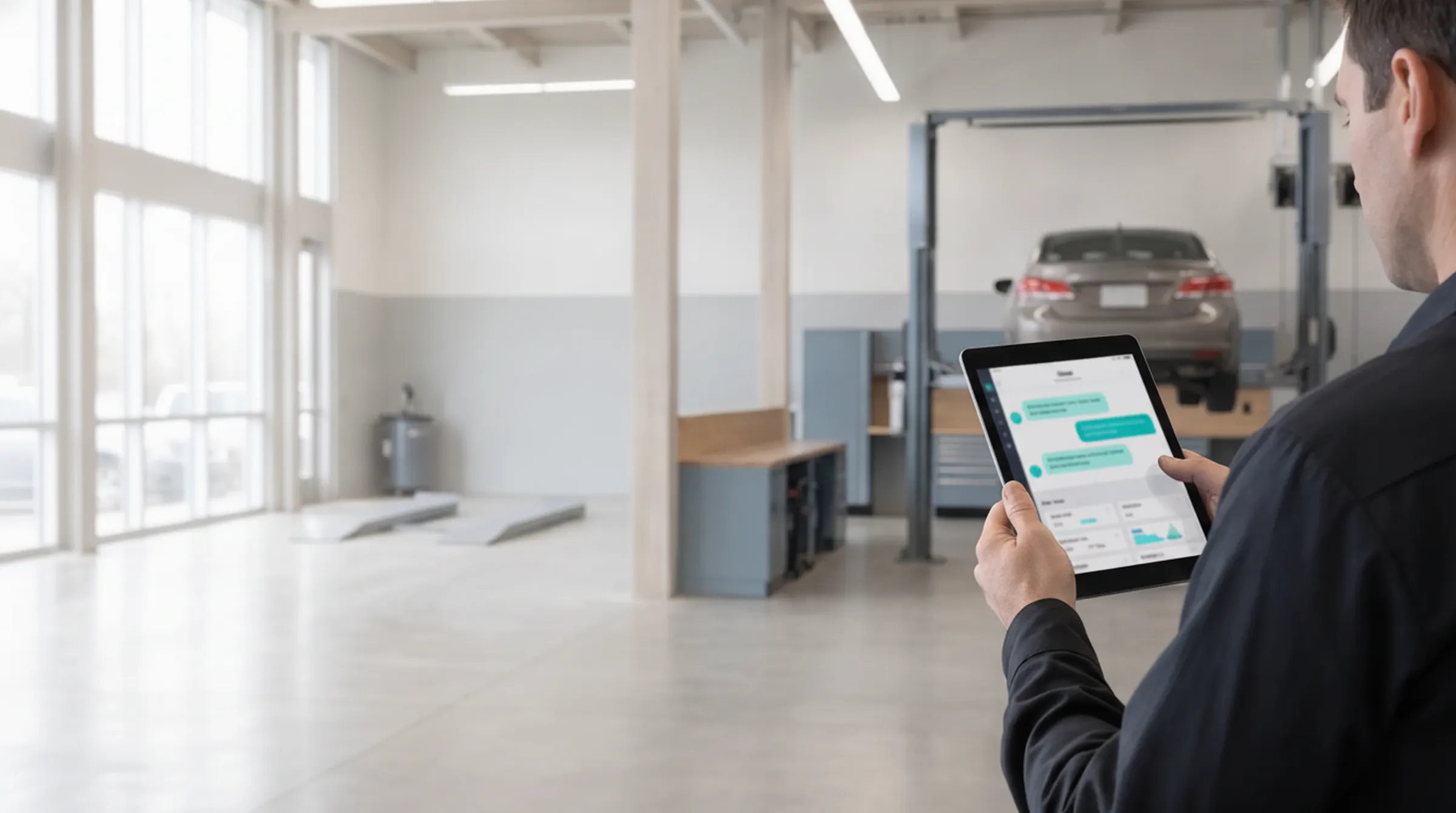
A car on a lift in a clean repair shop, a technician’s hands holding a tablet with a repair order

A CRM for auto repair shops is a system that handles customer bookings by bay, repair orders, parts inventory, the service history of each vehicle and reminders for the next service. We choose a setup for your format, whether a full-service garage, a detailing studio or a car wash, build the pipeline from inquiry to pickup and connect the CRM to phones, messaging and accounting.

Where an auto repair shop loses customers and money

Situations that owners of garages, detailing studios and car washes bring to us.

“We keep the schedule in a notebook and in the service advisor’s texts”

Bays sit empty one hour and overflow the next. A customer is booked for a time when the lift is taken, and leaves annoyed.

We move the schedule into the CRM with bay and technician capacity. The front desk sees open slots on every lift and bay, and customers can book online.

“The technician found more work during inspection, and nobody called the customer”

The extra work isn’t approved, the car sits, and the customer hears about it at pickup and argues about the bill.

Inspection findings go into the repair order with photos, and the customer gets a message with the list of work and an approve button.

“We don’t know when a customer is due for the next service”

The customer comes once, then goes to the dealer or the shop down the road because nobody reminded them.

The CRM keeps history by VIN and mileage and creates a task to remind the customer about scheduled maintenance, a seasonal tire swap, a state inspection or a ceramic coating refresh.

“We order parts and then hunt for which car they were for”

A part sits on the shelf while the car waits, or the part arrives after the customer has gone to another shop.

We tie parts orders to the repair order: you see what is ordered, when it arrives and which vehicle it is reserved for.

What we set up in an auto repair shop CRM

The set of modules depends on the format: a full-service garage, a detailing studio, a car wash and a tire shop all work differently.

Bay and lift scheduling

A load calendar for lifts, wash bays and technicians. Labor hours fill in automatically, so bookings don’t overlap.

Repair orders

Labor, parts, assigned technicians and repair status. Estimates and invoices can be printed or sent, with the customer’s signature captured on the advisor’s tablet.

Vehicle record

VIN, plate, mileage, service history and check-in photos. If a customer has two cars, each keeps its own history.

Parts and supplies inventory

Stock levels, reservation against a repair order and minimum levels for consumables: oil, filters, detailing chemicals.

Upsell pipeline

Declined work from inspections, seasonal tire changes, repeat polishing or ceramic coating. Every deferred job becomes a task with a date.

Car wash memberships

Wash packages, club cards and visit tracking by plate. Convenient for fleets, rideshare drivers and corporate accounts.

Technician pay

Pay calculated from billed or completed labor hours, or a share of the work, directly from closed repair orders, with no manual recalculation.

Multiple locations

Several shops or detailing studios in one system: a shared customer base, separate bay scheduling and reports for each location.

Integrations for an auto repair shop

A shop CRM connects to the software you already run. Industry-specific tools and general CRMs are tied together through APIs.

Shop management systems

Tekmetric, Shopmonkey, Shop-Ware, Mitchell 1 and similar. If your shop already runs on one of them, we decide what moves into the CRM and what stays in the shop system.

General CRMs

HubSpot, Pipedrive or Zoho CRM when you need a strong sales and communication pipeline: inquiries, calls, messages and reminders. We connect it to your shop management and accounting.

Parts catalogs and suppliers

Lookup by VIN and ordering through supplier catalogs and platforms such as PartsTech, through their APIs or exports.

Phone and messaging

Every call, text and WhatsApp Business message is logged on the customer record, with the call recording where you use it.

Online booking from your site and Google

A booking widget on your website and your Google Business Profile. The appointment lands on a specific bay.

Payments and accounting

Card payments and pay-by-link through Stripe or Square, receipts by email or text, and sync with QuickBooks or Xero.

Free project estimate and quote

Leave your contact — we'll review the task and send a quote with a scope breakdown and timelines. No pushy sales call.

Thank you! Request received — we'll get back with the estimate and quote within one business day.

The repair shop pipeline from call to pickup

We shape the CRM stages around the real path a vehicle takes through your shop.

Step 01

Inquiry

A call, a message, or a request from your website or Google. The CRM finds the customer by phone number and pulls up their vehicle and repair history.

Step 02

Booking a bay

The advisor picks the job, the CRM fills in the duration and shows a free bay and technician. The customer receives a confirmation.

Step 03

Check-in and inspection

Photos of the body and interior, mileage, the customer’s complaint. Faults found go into the repair order for approval.

Step 04

Approval and repair

The customer approves the work from a link, the technician sees the job, and the parts room reserves what is needed. Status updates reach the customer by message.

Step 05

Pickup and payment

Invoice, payment, receipt. Declined work is saved as tasks with a date for the next contact.

Step 06

Return visit

A reminder for maintenance by mileage or date, for a seasonal tire change, or for refreshing a protective coating.

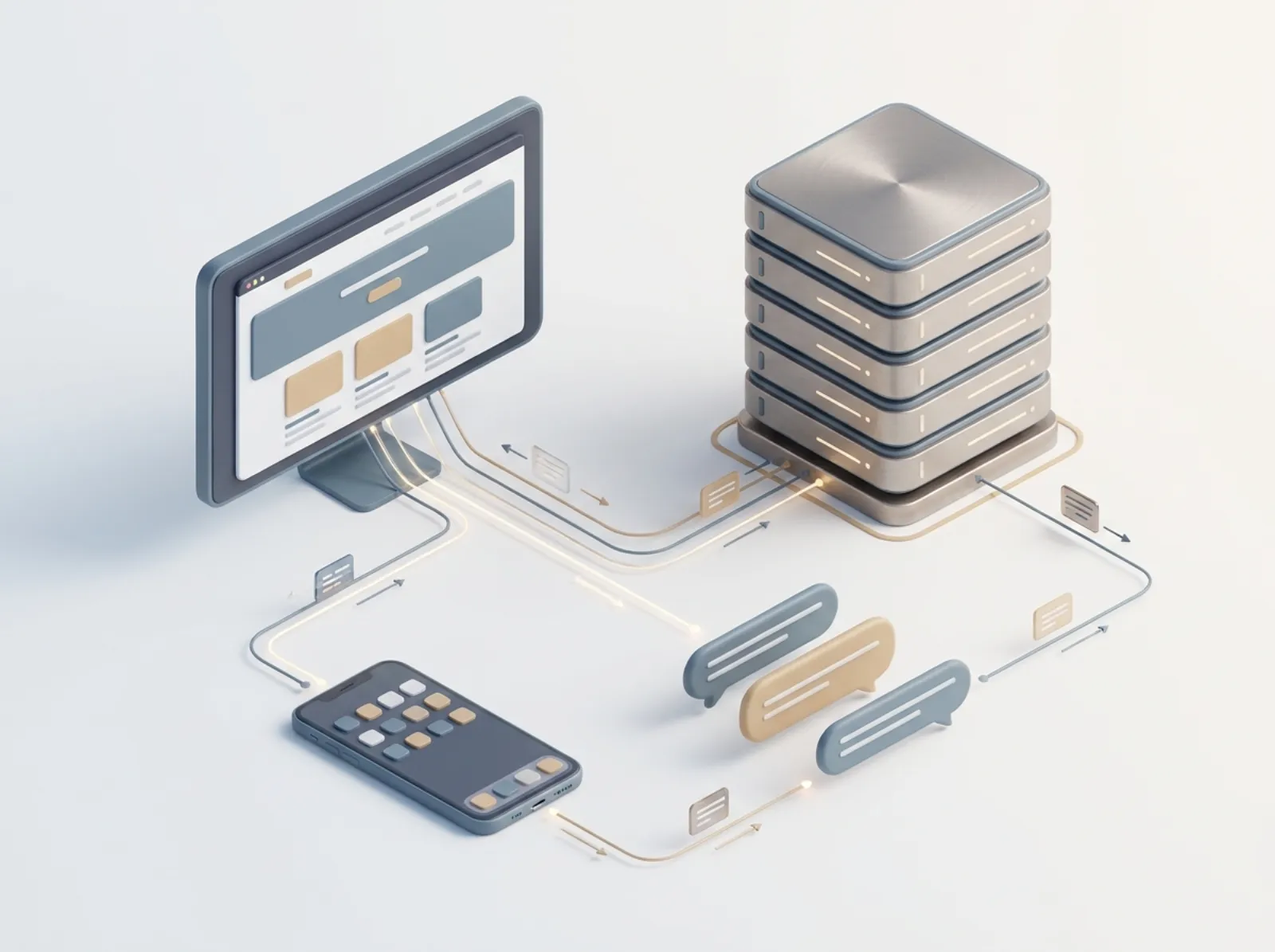
Isometric CRM diagram: a website, a smartphone and chat messages connected to a server that stores inquiries and customer data
A job passes through every stage in one system, from the first call to pickup and the reminder for the next service.

Industry software or general CRM: what a repair shop should choose

The options for auto shops split into two camps. The choice depends on where your bottleneck is: tracking the work or winning and keeping customers.

CriterionShop management software (Tekmetric, Shopmonkey and similar)General CRM, customized
Repair orders and labor timesBuilt inConfigured, or pulled from the shop system through an integration
Parts inventoryBuilt in, with VIN lookup and supplier orderingThrough a link to accounting or an inventory module
Pipeline and upsellsBasic, often without flexible scenariosFlexible pipelines, automations, campaigns and tasks for advisors
Phone and messagingDepends on the productA wide choice of ready-made integrations
Multiple locationsSupported by most productsSupported, but permissions and reports need setup
Best forA garage whose main pain is tracking work and partsDetailing studios and shops where sales and customer return matter most

Who it’s for, and who it isn’t

A good fit if

  • Garages and repair shops with several bays where scheduling and technician load are still managed by hand.
  • Detailing studios that need a pipeline for high-ticket services such as ceramic coating, paint correction and wrapping.
  • Car washes and tire shops with memberships, a seasonal peak and corporate customers.
  • Multi-location shops that need a CRM with shared customer data and location-level reports.

Not a fit if

  • A one-technician garage with loyal regulars: a calendar and a messaging app are enough.
  • Nobody will enter bookings and close repair orders in the system: a CRM without data doesn’t work.

How an auto repair shop CRM differs from a sales CRM

A standard CRM is built around a deal and a salesperson. In a repair shop the central object is the vehicle: one customer can own several cars, one car can have several owners over its life, and service is tied to mileage and season. So the first thing we set up is a vehicle record with VIN, mileage and work history, and we link the customer to it.

The second difference is production capacity. A shop sells the time of its bays and technicians, so scheduling has to respect labor hours. If the CRM doesn’t know how long a timing belt replacement or a paint correction takes, the advisor will overlap bookings by hand. A catalog of jobs with durations is a required part of the rollout.

The third is approval. Most disputes in a shop come from work the customer didn’t know about. Photos of the defect on the repair order and approval by link remove the argument over the bill before the car is handed back. Rules on written estimates and customer authorization differ by state and country, so we configure the approval step to match what applies where you operate.

Detailing and car washes add their own specifics: expensive services with a long decision cycle, memberships and corporate fleets. Here the CRM works as a sales tool, with a pipeline, reminders and campaigns. If inquiries arrive from your website, it makes sense to connect the CRM with Google Ads, so you can see which ads bring paid jobs.

Checklist: what to prepare for the rollout

These materials speed up the launch. Whatever is missing, we’ll collect during the audit.

  • A list of bays, lifts and technicians with their schedules.
  • A price list of jobs with labor hours or the duration of each service.
  • An export of your customer base: phone numbers, vehicles, visit history, if you have it.
  • The software you use now: accounting, inventory, payments, phones, website.
  • Your technician pay scheme, so we can set up the pay calculation.
  • A list of parts suppliers and how you order from each.

FAQ: CRM for auto repair shops

There is no clear winner. Shops focused on parts and repair orders do well with dedicated shop management software, while detailers and shops with active sales do better with HubSpot, Pipedrive or Zoho connected to their shop system. We choose after reviewing your processes.
Yes, but the setup differs from a garage. In detailing, the pipeline for high-ticket services and repeat sales matters most; at a car wash it is fast bay booking, memberships and corporate accounts.
Yes. We set up a shared customer and vehicle base, separate bay scheduling and reports for each location. Permissions are split so staff see only their own location.
You don’t have to drop it. Often inventory and billing stay in the familiar program, while the CRM handles booking, communication and upsells. We sync the data through an integration.
Yes, if it can be exported to a spreadsheet. We move customers, vehicles and visit history, and remove duplicates by phone number and plate.
We quote on request after the audit. It depends on the number of bays and locations, the integrations and how much data has to be migrated. CRM licences are paid separately at the vendor’s rates.
It depends on the number of modules and integrations. We usually launch booking and repair orders first, then inventory, upsells and analytics. Stages and dates are fixed in the contract.

Tell us about your task — we'll come back with a quote and timeline

In response you'll get a project estimate, a quote broken down by scope, and timelines. Usually within one business day. Free, no strings attached.

4 of 6 project slots open this week.

Request received

Thank you! We'll get back with the project estimate, the quote and the timeline — usually within one business day.

Get an estimate