A CRM for furniture companies where every order is visible from measure to install

A custom cabinetry or kitchen order passes through five or six pairs of hands: the showroom consultant, the field measurer, the designer, the shop, delivery and the installers. Every handoff loses dimensions, dates and money. We set up a CRM where an order is tracked on a single record from the first inquiry to the signed completion form, and the owner sees shop load and lead times for each order.

Reply within 15 minutes · project assessment — free · pricing on request

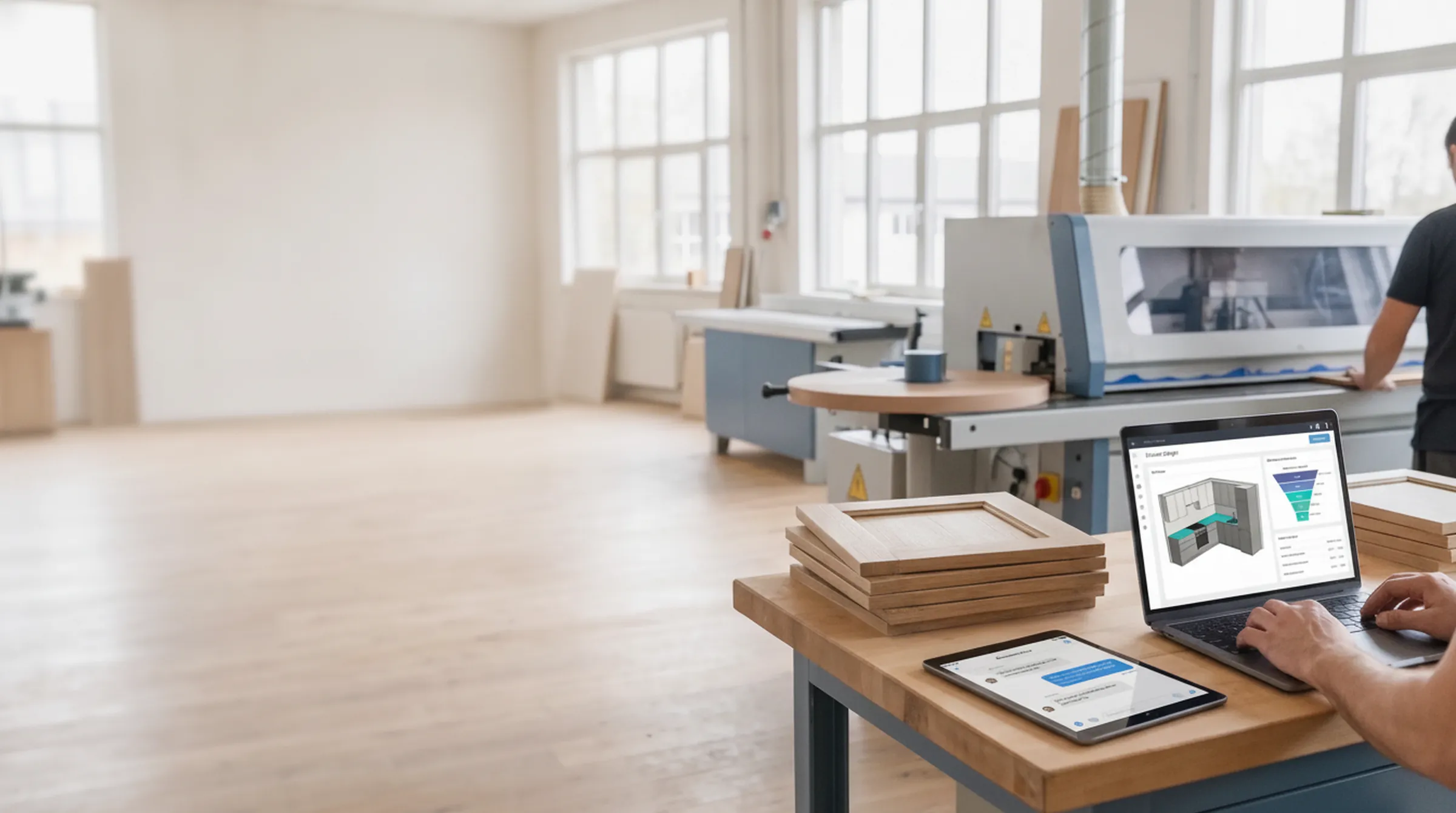
A furniture workshop with kitchen cabinet fronts and an edge banding machine, a laptop on the table showing a 3D kitchen design and an order pipeline

A CRM for furniture companies is a system in which a furniture maker or showroom follows an order from end to end: inquiry, site measure, design and spec, contract and deposit, release to production, shop progress, delivery, installation and warranty claims. We set up the pipeline for your product line, connect the CRM to your design software and accounting, and migrate current orders.

Where a furniture company loses orders and money

Situations that makers of custom kitchens, closets and cabinetry, and furniture showrooms, bring to us.

“The client had the measure done, got a design and disappeared”

A site measure and a design cost the time of a measurer and a designer. If nobody calls after the quote, the client orders the kitchen from whoever pushed to close.

The CRM gives the sales rep a task after every stage: call after the measure, send the design, discuss revisions. No quote is left without a follow-up.

“The dimensions from the measure got lost between the showroom and the shop”

A dimension error means remaking fronts or a countertop and pushes back installation.

The measure sheet, photos of the room, the design and the spec are attached to the order record. The shop sees the approved version, not a draft from a messaging thread.

“We don’t know when an order will really be ready”

The rep promises a date at random, the customer calls and complains, and installers show up to unfinished furniture.

Production stages in the CRM: cutting, edge banding, boring, assembly, packing. The date is calculated from shop load, and the customer gets status notifications.

“We forgot to collect the final payment at installation”

Deposit, a payment before delivery, extras added on the install day: without tracking, payments slip and receivables grow.

A payment schedule for each order, reminders and, if you choose, a hold on delivery until the balance is paid.

What we set up in a furniture business CRM

The scope depends on your model: own manufacturing, a showroom with a subcontracted shop, or a factory with a dealer network.

Order pipeline

Inquiry, site measure, design, contract, production, delivery, installation, close-out. Separate pipelines for kitchens, closets and commercial furniture.

Measurer calendar

Booking of measures by area and open slots, a measure sheet filled in from a phone, and photos and video of the room on the record.

Designs and specifications

Design files, versions with the client’s revisions, and a spec of materials and hardware approved by the client.

Contracts and payments

A contract and addenda from a template, a schedule for the deposit and later payments, and tracking of what has come in.

Production loop

Release of the order to the shop, manufacturing stages, load by work center and planned versus actual completion date.

Delivery and installation

Scheduling of drop-offs, installer crews, a completion form and photos of the finished job on the record.

Warranty and service claims

Client complaints after installation, the cause, the fix and the timeline. You can see at which stage mistakes arise.

Reports

Measure-to-contract conversion, average order value by product type, lead times, shop load and dealer performance.

Integrations for furniture manufacturing

We connect the CRM to the programs your designers, accountants and shop already use.

Design and cabinet software

2020 Design, Cabinet Vision, Microvellum and Mozaik: the design and the spec are tied to the order, and cut-list data goes to the shop.

ERP, accounting and inventory

QuickBooks, NetSuite, Odoo or an ERP inventory module: stock of sheet goods, edge banding and hardware, material allocation against the order, and invoices and payments.

General CRMs

HubSpot, Pipedrive, Salesforce or Zoho CRM are the base for pipelines and automation. Odoo is worth a look when you want sales and production in one tool.

Phone and messaging

Calls and conversations with the customer on the order record, and the design and statuses sent by SMS, WhatsApp Business or email.

Website and lead sources

Inquiries from your website, a kitchen planner, Google Business Profile, Houzz and Facebook ads create deals tagged with the source.

Free project estimate and quote

Leave your contact — we'll review the task and send a quote with a scope breakdown and timelines. No pushy sales call.

Thank you! Request received — we'll get back with the estimate and quote within one business day.

The path of a furniture order in the CRM

An example pipeline for custom kitchens and closets. We configure the stages to match your process.

Step 01

Inquiry and preliminary estimate

An inquiry from your website, the showroom or a call. The rep clarifies the type of furniture, dimensions and budget range and books a site measure.

Step 02

Site measure

The measurer gets a task with the address, fills in the measure sheet from a phone, attaches photos and notes the quirks of the room.

Step 03

Design and approval

The designer prepares the design and the spec, and the client approves the final version.

Step 04

Contract and deposit

A contract from a template, the deposit, and the release of the order to production with a completion date.

Step 05

Production

Shop stages with check-offs, a warning to the rep about delays and the allocation of materials.

Step 06

Delivery, installation and review

The crew’s visit, the final payment, the completion form and photos. After installation, a review request and a script for repeat sales.

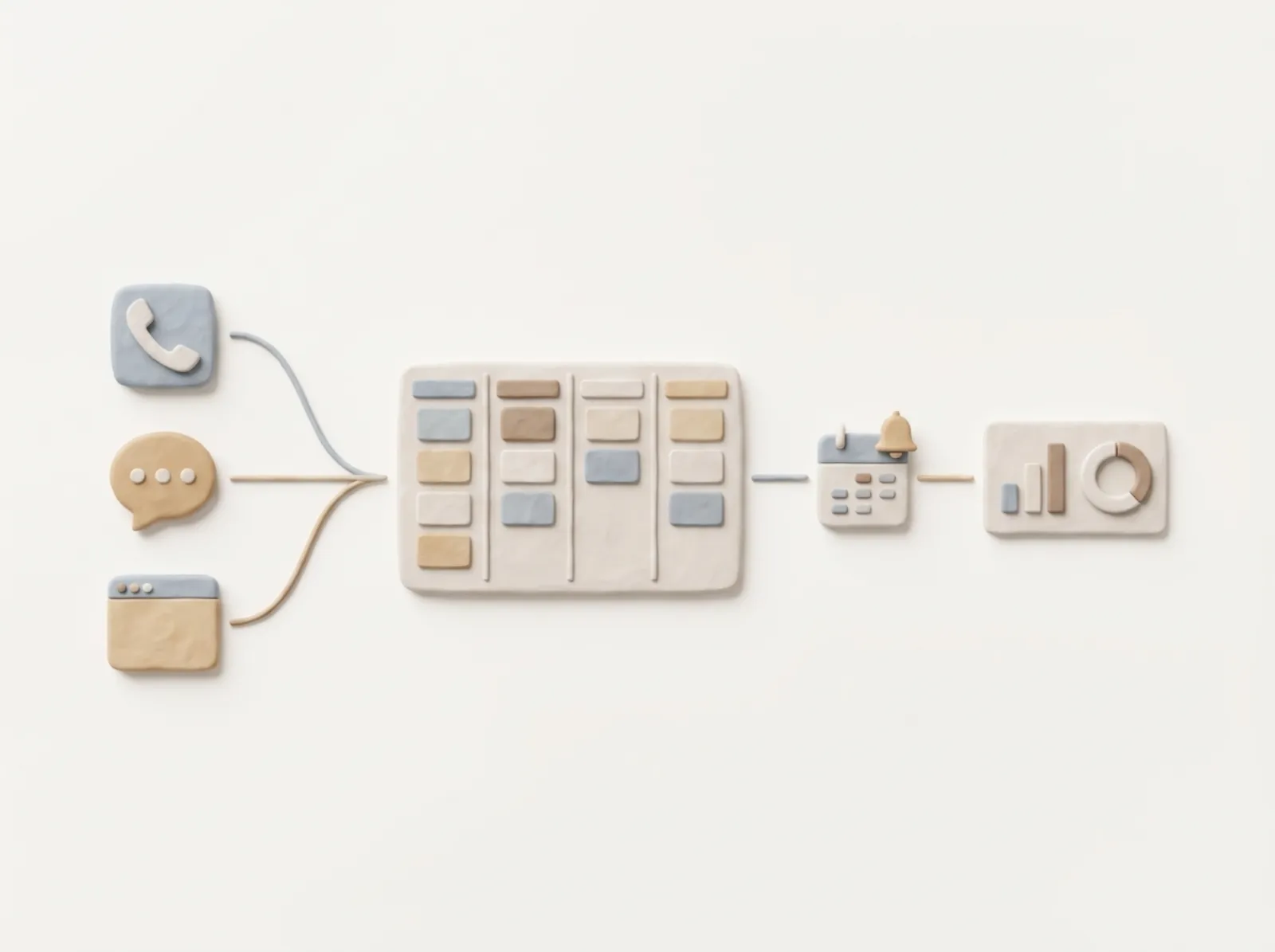
Isometric CRM diagram: calls, chat messages and website inquiries flow into a deal board linked to a task calendar and analytics
A furniture order in the CRM: from inquiry to installation on a single record.

A CRM for a furniture showroom and for a manufacturer: the difference

The business model decides how many stages and roles the system will have.

ParameterShowroom without its own shopFurniture manufacturer
Main taskTake the client from measure to contractLink sales to the shop, lead times and installation
UsersSales reps, measurers, designersPlus production planners, shop supervisors, purchasing and installers
IntegrationsPhone, website, messagingPlus design software, ERP and inventory
Lead timesThe supplier’s lead time from the contractCalculated from shop load
ReportsConversion by stage, rep performancePlus work center load, lead times and service claims

Who it’s for, and who it isn’t

A good fit if

  • A maker of custom cabinetry: kitchens, closets, wardrobes and commercial furniture.
  • A group of showrooms where orders are tracked in spreadsheets and reps’ messaging apps.
  • A factory with dealers that needs to see partners’ orders and sales.
  • A company whose lead times keep slipping for reasons nobody can pin down.

Not a fit if

  • A one-person workshop with a couple of orders a month: a calendar and a spreadsheet are enough.
  • A store selling ready-made furniture with no measures or designs: it needs a retail CRM, not a production pipeline.

How to choose a CRM for a furniture business

There are few ready-made industry CRMs for furniture makers, and they often cover only sales or only production. In practice most companies run on HubSpot, Pipedrive, Salesforce or Zoho CRM, configured for their own process, and some adopt Odoo for sales and manufacturing in one system. HubSpot and Pipedrive suit a strong sales team and showrooms; Salesforce or Odoo come into play when the shop, purchasing and installers also need tasks in the same system and projects have to be tracked.

The key point in the setup is the moment an order is handed to production. Before it, the rep and the designer work; after it, the shop. If the approved version of the design and the spec isn’t locked at that point, mistakes are unavoidable. So we build in mandatory fields and files without which an order can’t move to the “Production” stage, and we tie the spec to the allocation of materials.

The second is the long cycle and seasonality. Weeks pass between a first inquiry and a signed kitchen contract: the person compares several designs or waits for a renovation to finish. The CRM has to remember everyone who received a quote and bring them back into the conversation. For factories with dealers, we add a separate portal or pipeline for partners so that you can see their orders and turnover.

Checklist: what to prepare before the rollout

The more precisely the process is described, the faster the team will start working in the system.

  • A description of the order path: who is responsible for what at each stage.
  • Product types and how the process differs for each.
  • Templates for the contract, the measure sheet and the installation completion form.
  • The design and accounting programs you use.
  • A list of current orders with stages, dates and payments.
  • Employees and roles: sales reps, measurers, designers, the shop, installers.

FAQ: CRM for furniture companies

Most often it is HubSpot, Pipedrive, Salesforce or Zoho CRM, configured for your process; Odoo is an option if you want sales and production in one tool. We choose after reviewing your process. For the selection criteria, see how to choose a CRM.
To the extent the program allows: attaching the design and the spec to the order and exporting material data. The depth of integration depends on the version and the data exchange options, and we check this before starting.
We quote by scope: the number of users, production stages, integrations with design software and accounting, and the migration of orders. The CRM license is paid separately. We break the estimate down after a brief.
Yes, if you give them a simple tool: a mobile app with the day’s tasks, the address, the measure sheet and a button to send photos. We train each role separately and don’t overload them with extra fields.
The CRM shows shop load and the stage of each order, so the rep quotes a realistic date, not a hopeful one. Delays are visible in advance, and you can warn the customer before they start calling.
Yes. We set up a separate pipeline or portal for partners: dealer orders, production and shipping statuses, and sales reports for each partner.

Tell us about your task — we'll come back with a quote and timeline

In response you'll get a project estimate, a quote broken down by scope, and timelines. Usually within one business day. Free, no strings attached.

4 of 6 project slots open this week.

Request received

Thank you! We'll get back with the project estimate, the quote and the timeline — usually within one business day.

Get an estimate