
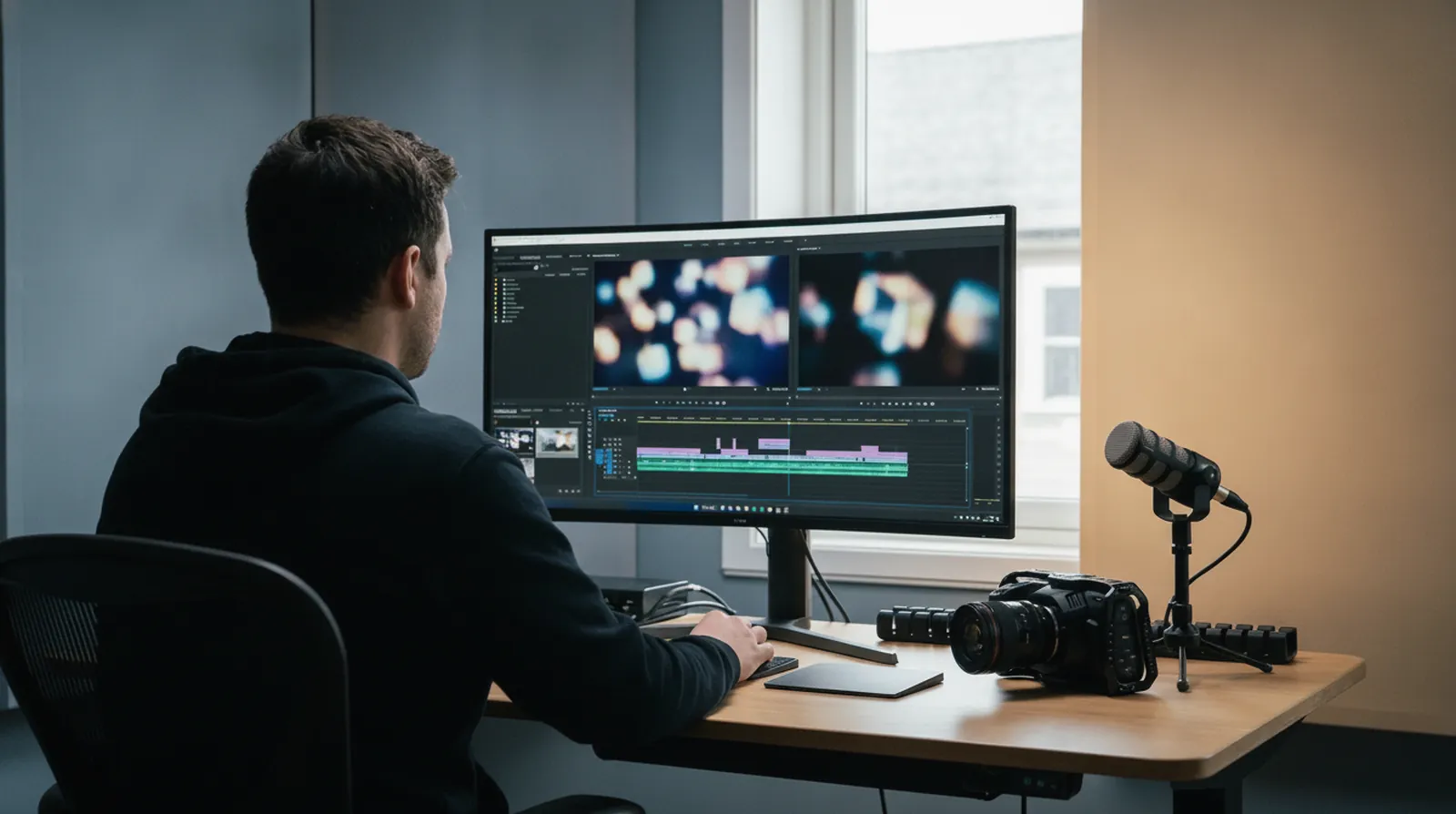
AI video for business means video created or processed by neural networks. Companies use it in three ways: generating clips for ads and social media, using AI avatars to present training and product videos, and video analytics, where AI reads camera feeds in a store, warehouse or plant. Each needs a script, review and rules for likeness, disclosure and personal data.
“AI video” covers three very different jobs: making clips, putting a digital presenter on screen, and analyzing what cameras see. Each has its own tools, strengths and risks. This guide separates them so you can pick the one that matches a real task in your company.
What AI video for business means
AI video is any video material in whose creation or processing a neural network takes part. For a business it breaks into three different directions, and it pays not to mix them up, because they have different tools, goals and risks.
The first is video generation: a model turns a text description or an image into a short scene, animates a product photo, extends a background or changes the camera angle. The second is AI avatars: a digital presenter with synthesized or cloned speech reads a script you supply. The third is video analytics: a model watches a camera feed and recognizes events such as people, queues, vehicles or safety violations.
What they share is that the model takes over part of the work that used to need a film crew, a voice actor or a person watching a monitor. None of the three works on its own. You still need a script, a selection of results, editing, rules and oversight.
Generating video with AI: what you can make
Generative video models such as Google Veo, Runway, Kling, Luma and OpenAI’s Sora produce clips a few seconds long from a description or a starting image. Teams assemble these fragments into ad creatives, intros, scenes for presentations, animated product cards and backgrounds for short social videos.
The strength of generation is speed and variety. In a day you can produce dozens of versions of a scene and test which visual works best in an ad, with no studio rental or props. The weaknesses are imprecise rendering of a specific product, logos and on-screen text, artifacts in hands and faces, and difficulty keeping one character consistent across scenes.
That is why, in practice, product shots are usually filmed or photographed for real, and the model is used for surroundings, transitions, animation and scenes that are expensive or impossible to film. If you need a finished ad delivered end to end, that is a production task of its own, covered on our page about AI video ads.
- Animating product photos for marketplace listings and social posts.
- Creative variants for ad testing on Meta, TikTok and YouTube.
- Intros, backgrounds and transitions for videos and presentations.
- Visualizing something that does not exist yet: an interior, a property, a seasonal scene.
- Translating and dubbing finished videos into other languages.
AI avatars for business: where they fit
An AI avatar is a digital presenter who speaks a given text with synchronized lip movement and facial expression. It can be a stock character from the platform or one built from a recording of a real person, such as a founder or an in-house expert. Services such as HeyGen and Synthesia let you upload a script and get a video in several languages without a new shoot.
The main advantage is that the video stays easy to update. A training course, an instruction or a product walkthrough with an avatar can be re-voiced in minutes when a policy or an interface changes, rather than reshot. That suits employee onboarding, a knowledge base, answers to frequent customer questions and partner presentations in different countries.
Avatars work less well where live emotion and trust are needed: personal brand advertising, testimonials, sales videos for high-consideration services. Viewers quickly spot synthetic speech and facial motion, and it can reduce trust. If you build an avatar from a real person’s recording, get their written consent for the use of their likeness and voice, and agree on where and for how long the videos will be used.
Before launch, listen to how the avatar handles your own vocabulary. Speech quality differs between services, especially on technical terms, numbers and product names. Prepare a pronunciation list, make a test video with your real script rather than the platform’s demo text, and show it to a few colleagues or customers to ask whether the synthetic delivery gets in the way.
Generation, avatar or live shoot: which to choose
A rule of thumb by task. Often the best result comes from a combination: a real shoot of the product plus a generated environment.
| Task | Suitable format | Why |
|---|---|---|
| Employee training and instructions | AI avatar | The script is easy to update, the style stays consistent, several languages are possible |
| Ad creatives for testing | Video generation | Many variants quickly, so you can test different visual ideas |
| Showing a specific product | Live shoot plus AI enhancement | Models still render shape, lettering and product details imprecisely |
| Personal brand and testimonials | Live shoot | Viewers expect a real person and natural speech |
| Video in several languages | AI translation and dubbing of a finished video | No reshoot needed, and the original picture stays |
AI video analytics and smart cameras for business
Video analytics is the most practical use of neural networks on video. An ordinary camera only records, while an AI-enabled system analyzes the picture in real time and reports events. The analytics can run in the cloud, on a recorder or on the camera itself, and many security and retail camera providers now offer it as a feature.
In retail, AI cameras count visitors and map their movement through the store, watch checkout queue length and prompt a second cashier, and spot empty shelves. In warehouses and plants they check for hard hats and high-visibility vests, entry into restricted zones and forklift movement. At gates and in parking lots they read license plates. In restaurants they track dining room load and kitchen standards.
One caveat concerns face recognition. A facial image used to identify a person is biometric data, and many jurisdictions treat it as a special category: the GDPR in the EU and UK, and laws such as Illinois’s Biometric Information Privacy Act in the United States require specific consent or other strict conditions. For most business tasks, such as counting people, watching queues and checking safety gear, identifying individuals is not needed, and the system is better configured without it. Also check signage and notice requirements for cameras in your location.
- Visitor counting and the share of visitors who go on to buy.
- Queue and dining room load control.
- Safety gear and restricted zone monitoring on site.
- License plate recognition at entrances.
- Searching the archive by description instead of watching hours of footage.
How to introduce AI video in a company
The order works for any of the three directions. Start small: a pilot on one task shows quickly whether further investment is worth it.
- Pick one task. Not “use AI” but something specific: re-voice training videos, get creatives for ad tests, count checkout queues. The task decides the tools.
- Check the limits. Rights to likeness and voice, advertising rules, personal data requirements, the terms of the service and how it treats your uploads.
- Run a pilot. A small scope: a few videos, one camera, one store. Compare the result with how the task was handled before, on time and quality.
- Build it into the process. Decide who writes scripts, who selects results, where video analytics alerts go and who acts on them.
- Scale and monitor. Expand what worked and check quality regularly: models change, and recognition errors have to be tracked.
Legal limits of AI video
Neural networks do not suspend the law, and most risks come not from the technology but from whose likeness, voice and data you use. Before launching videos or analytics systems, check a few things.
In the United States, the right of publicity protects a person’s name, image and voice from commercial use without permission, and several states have added rules aimed at synthetic replicas of a voice or likeness. This applies to avatars built from a real person’s recording as much as to generated lookalikes. Video that advertises products must follow advertising rules: the FTC expects claims to be truthful, and endorsements to be disclosed. In the EU, the AI Act introduces transparency duties for synthetic content, so check what applies to the way you publish.
Major platforms, including YouTube, Meta and TikTok, ask creators and advertisers to label realistic synthetic or altered content, and may add labels themselves. Video analytics that identifies people processes biometric data and falls under stricter rules than counting heads.
Review the terms of any generation service separately: who owns the output, whether it may be used commercially, and where uploaded material is stored. Do not feed internal documents or customer data into a public tool without checking its terms.
Mistakes when using AI for video
For a wider view of how neural networks are used in marketing, from copy to analytics, read our guide to AI for marketing. And when a real shot is needed, nothing replaces a shoot: see types of video ads and how to make one.
- Generating the whole product. The model distorts shape, lettering and details, and the buyer gets something different from what the video showed.
- An avatar in emotional advertising. A synthetic presenter where a real story is needed lowers trust.
- No script. Without a clear idea you get a set of attractive but unrelated scenes.
- Face recognition without need. It creates legal exposure where counting people would have been enough.
- No owner for alerts. Video analytics reports events, but nobody reacts to them.
Related services: AI Integration, Full-service marketing, SEO Services.
More on the blog: How to start an online store, Cost per lead and unit economics, SEO vs PPC.